
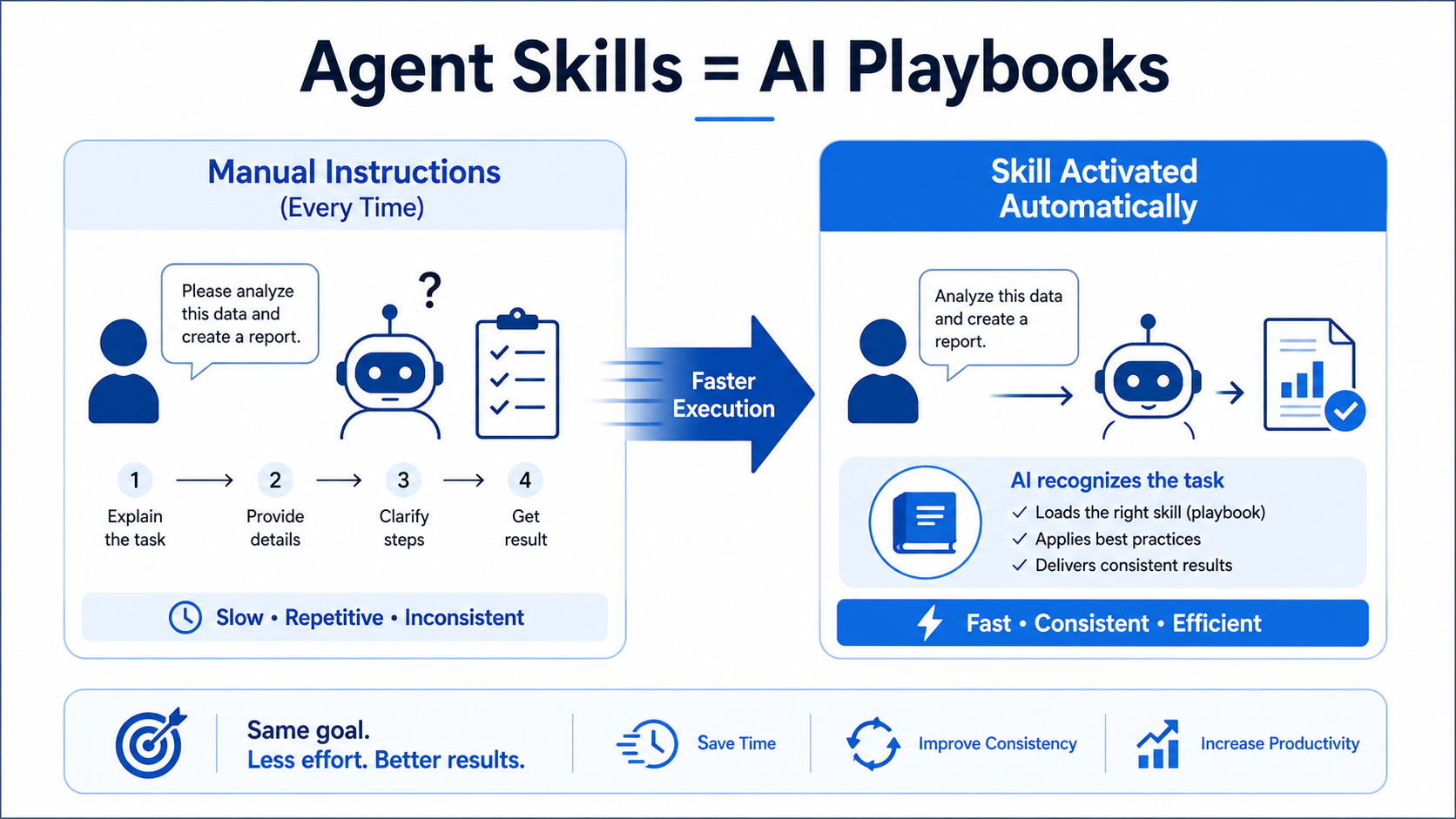
Agent Skills are like built-in “playbooks” that an AI can use when it recognizes a task.
Instead of giving detailed instructions every time, the AI (like Anthropic Claude) already knows what to do because the knowledge is packaged inside a Skill. This makes interactions faster and more consistent, especially for repeated workflows.
Why they matter
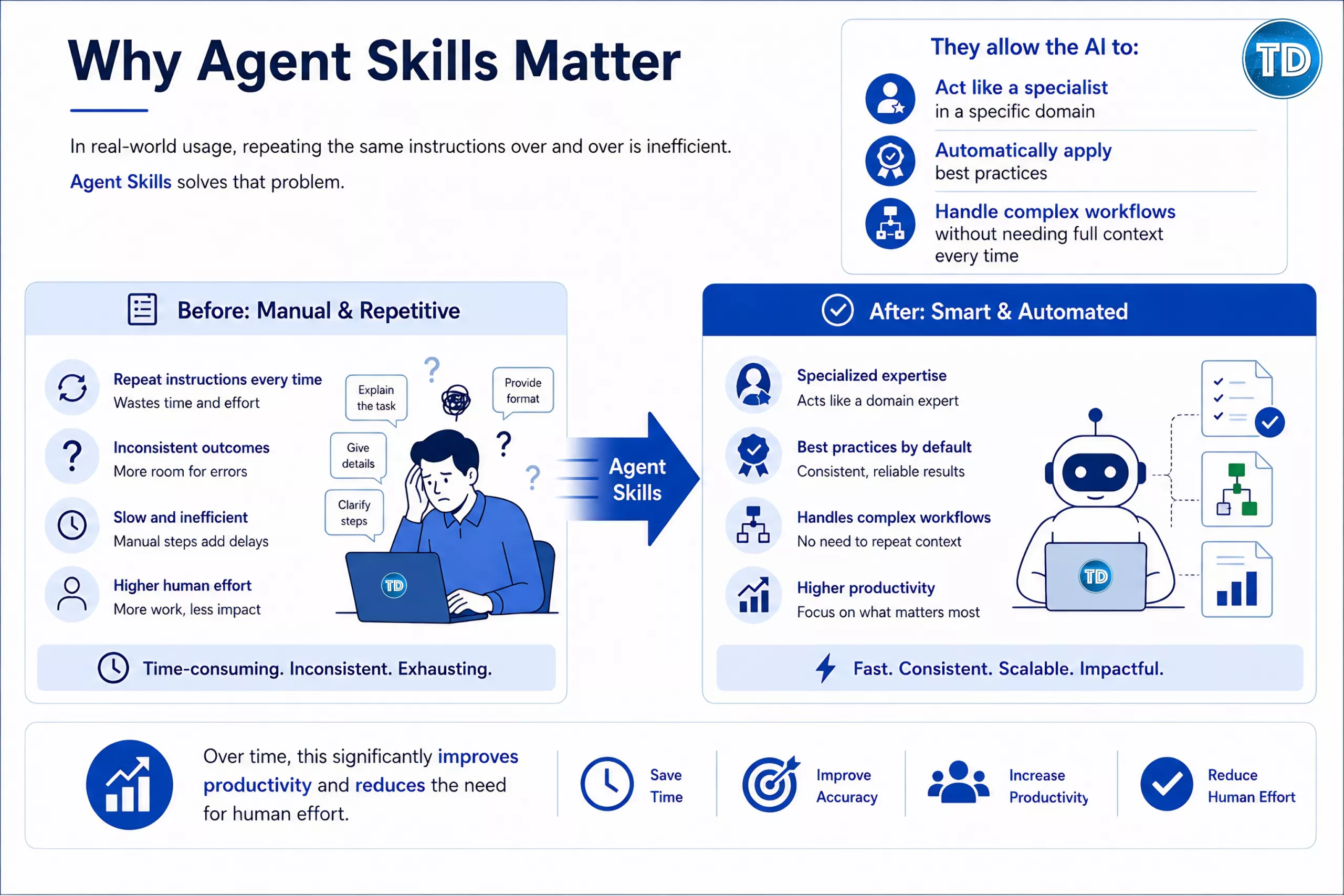
In real-world usage, repeating the same instructions over and over is inefficient. Agent Skills solves that problem.
They allow the AI to:
- Act like a specialist in a specific domain
- Automatically apply best practices
- Handle complex workflows without needing full context every time
Over time, this significantly improves productivity and reduces the need for human effort.
How they actually work
Agent Skills are designed to be efficient. They don’t load everything into memory at once.
Instead, they follow a layered loading approach:
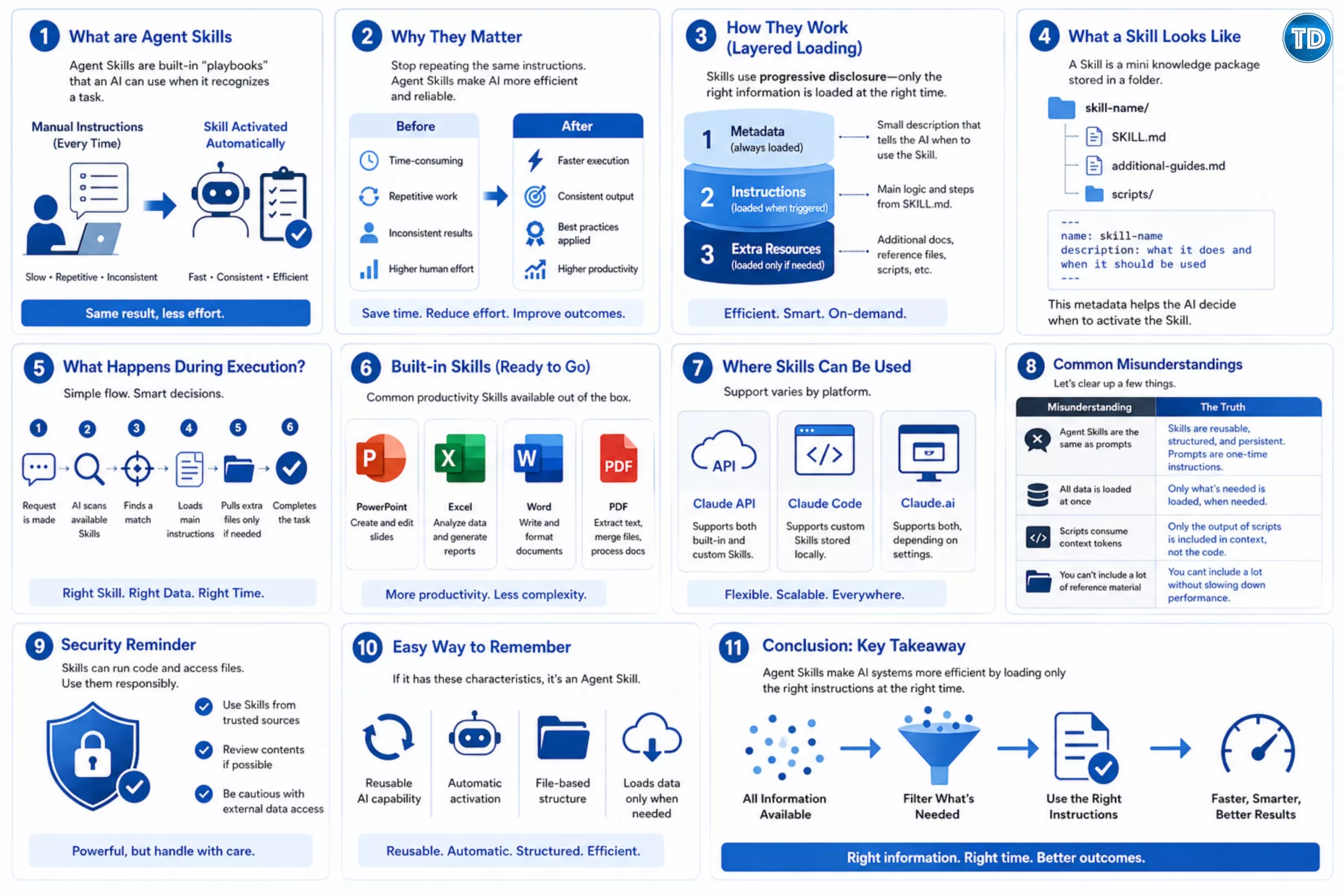
1. Metadata (always loaded)
This is a small description that tells the AI:
“This Skill exists, and here’s when to use it.”
It doesn’t contain full instructions, just enough for discovery.
2. Instructions (loaded when triggered)
When the AI detects that the Skill is relevant, it loads the main instructions from SKILL.md.
This is where the actual logic and steps live.
3. Extra resources (loaded only if needed)
If the task requires more detail, the AI can pull:

- Additional documentation
- Reference files
- Scripts
This approach is called progressive disclosure, meaning only the necessary information is used at the right time.
What a Skill looks like
You can think of a Skill as a mini knowledge package stored in a folder:
skill-name/
├── SKILL.md
├── additionacol-guides.md
└── scripts/
At the top of SKILL.md, there’s always a simple configuration:
---
name: skill-name
description: what it does and when it should be used
---
This small block is surprisingly important because it helps the AI decide when to activate the Skill.
What happens during execution?
Here’s a simple flow of what happens behind the scenes:
- A request is made
- The AI scans available Skills
- It finds a match based on the description
- Loads the main instructions
- Pulls extra files only if necessary
- Completes the task
This keeps responses fast while still being powerful.
Built-in Skills (ready to go)
Some Skills are already available out of the box:
- PowerPoint → create and edit slides
- Excel → analyze data and generate reports
- Word → write and format documents
- PDF → extract text, merge files, process documents
These are commonly used for everyday productivity tasks.
Where Skills can be used
Depending on the platform, support may vary:
- Claude API → supports both built-in and custom Skills
- Claude Code → supports custom Skills stored locally
- Claude.ai → supports both, depending on settings
This flexibility allows Skills to be used in both development and everyday use cases.
Common misunderstandings
A few things that often confuse people:
- Agent Skills are not the same as prompts
- (They are reusable and structured, not one-time instructions)
- Not all data is loaded at once
- (only what’s needed is used)
- Scripts don’t consume context tokens
- (only their output is included)
- You can include a lot of reference material
- without slowing down performance
Security reminder
Because Skills can run code and access files, they should be treated carefully.
Always:
- Use Skills from trusted sources
- Review their contents if possible
- Be cautious with external data access
Think of it like installing software, powerful, but needs responsibility.
An easy way to remember
If a scenario mentions:
- Reusable AI capability
- Automatic activation
- File-based structure
- Loads data only when needed
It’s describing Agent Skills
Conclusion
For more details, see Agent Skills: On-the-fly capabilities for your AI Agents – Tutorials Dojo
Reference
https://platform.claude.com/docs/en/agents-and-tools/agent-skills/overview
⚡$4.99 Claude Certified Architect Foundations CCAR-F Practice Exams

Turn Your Team Into Cloud-Ready Professionals Today

Learn AWS with our PlayCloud Hands-On Labs

$2.99 AWS and Azure Exam Study Guide eBooks

Learn GCP By Doing! Try Our GCP PlayCloud

Learn Azure with our Azure PlayCloud

FREE AI and AWS Digital Courses

FREE AWS, Azure, GCP Practice Test Samplers


Subscribe to our YouTube Channel

Follow Us On Linkedin


Written by: Ace Kenneth Batacandulo




