
A few years ago, AI tools were mostly associated with developers and data scientists. Fast forward to 2026, and the story has changed completely. Marketing interns are generating full campaign ideas in an afternoon, HR coordinators are screening resumes in minutes, and designers are turning simple text prompts into polished mockups, all without writing a single line of code. This shift is one of the most important changes happening in the workplace right now as AI tools for non-technical users narrow the gap between technical and non-technical professionals. In this article, I will show you how different non-technical roles are actually using AI in their daily work, the tools that are making it possible, and how beginners like us can start using them confidently. Companies are no longer just hiring people who know AI. They want people who can work effectively with AI. For non-technical students and fresh graduates, this is excellent news. It means you can deliver more value earlier in your career, even without deep coding knowledge. Marketing Teams A marketing intern no longer spends hours staring at a blank page. They can now ask AI to brainstorm campaign themes, write multiple versions of social media captions, create email sequences, and even suggest content calendars based on past performance. What used to be a full-day task can now be done before lunch. Human Resources HR professionals are using AI to handle repetitive but important work. They can upload a stack of resumes and get shortlisted candidates in minutes, draft personalized rejection or acceptance emails, and generate interview question sets tailored to the role. Some teams even use AI to analyze employee survey results and spot early signs of burnout or disengagement. Design and Creative Roles Designers are using AI to overcome creative blocks. Instead of starting from scratch, they describe what they want (for example, “modern minimalist landing page for a fintech startup, blue and white color scheme“) and get multiple design variations instantly. They then refine these outputs using tools like Canva AI or Figma’s AI features. Operations and Administrative Roles Operations staff use AI to summarize long meeting recordings, turn raw data into simple reports, draft professional client emails, and automate routine follow-ups. This gives them more time to focus on problem-solving and process improvement. General AI Assistants Content and Design Tools Productivity and Organization Tools Using AI does not just make work faster, it changes how work feels. It helps people overcome the terror of a blank page, reduces mental fatigue from repetitive tasks, and allows more time for creative and strategic thinking. Many professionals say they now feel more confident in their output because they can generate options quickly and choose the best one. However, AI is not magic. It can produce content that sounds professional but contains mistakes or lacks originality. People who blindly copy-paste AI output risk delivering low-quality or inaccurate work. The real skill in 2026 is not just using AI, it is knowing how to guide it, review its output, and add human judgment. Data privacy is another big concern. Always be careful when inputting sensitive company or client information into AI tools. You do not need to learn everything at once. Here is a practical way to begin: In 2026, the biggest advantage may no longer be who knows how to code, but who knows how to work intelligently with AI. Non-technical professionals who embrace these tools are quietly gaining an edge in productivity, creativity, and career opportunities. The gap between technical and non-technical roles is getting smaller. Those who learn to combine human insight with AI capability will be the ones who thrive. Start experimenting today. The best time to build this skill was yesterday. The second best time is now. Code Labs Academy. AI for Non-Tech Professionals in 2026 HR Acuity. The Best AI Tools for HR in 2026 The Smarketers. Best AI Marketing Tools for 2026 Boston Consulting Group (BCG). AI Will Reshape More Jobs Than It Replaces (2026) PwC Global AI Jobs Barometer (2025)

Why This Trend Matters for Students and Interns
How Different Roles Are Using AI in Real Life
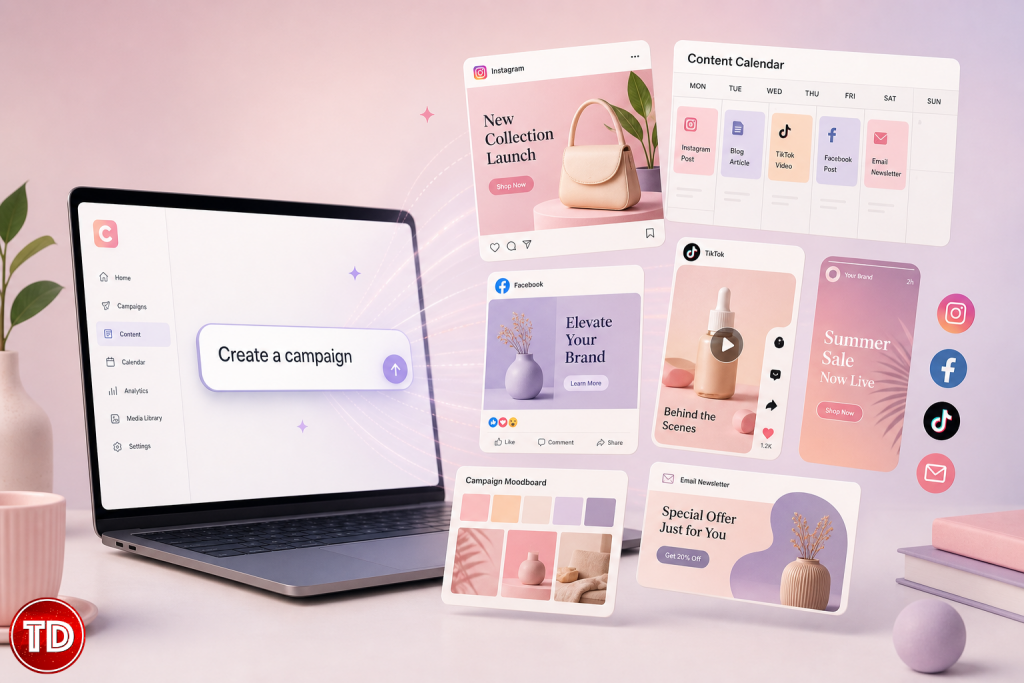
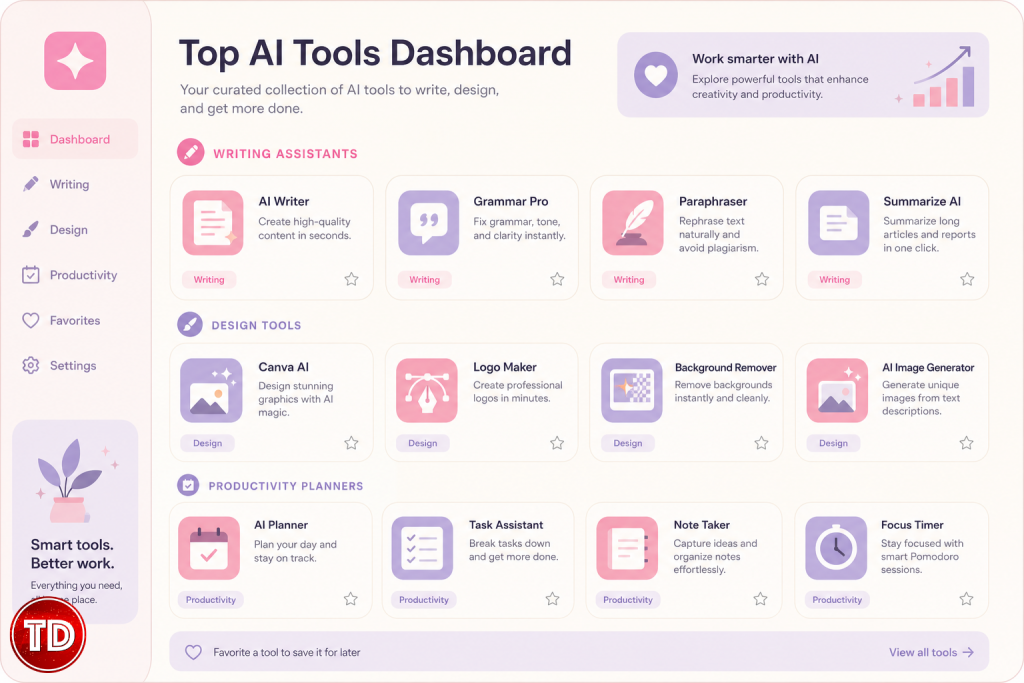
Popular AI Tools Non-Technical Users Are Loving in 2026

Benefits Beyond Speed
Important Reality Checks
Simple Getting Started Guide for Beginners

Final Thoughts
References
⚡$4.99 Claude Certified Architect Foundations CCAR-F Practice Exams

Turn Your Team Into Cloud-Ready Professionals Today

Learn AWS with our PlayCloud Hands-On Labs

$2.99 AWS and Azure Exam Study Guide eBooks

Learn GCP By Doing! Try Our GCP PlayCloud

Learn Azure with our Azure PlayCloud

FREE AI and AWS Digital Courses

FREE AWS, Azure, GCP Practice Test Samplers


Subscribe to our YouTube Channel

Follow Us On Linkedin


Written by: Jose Zyruse Navarez




