
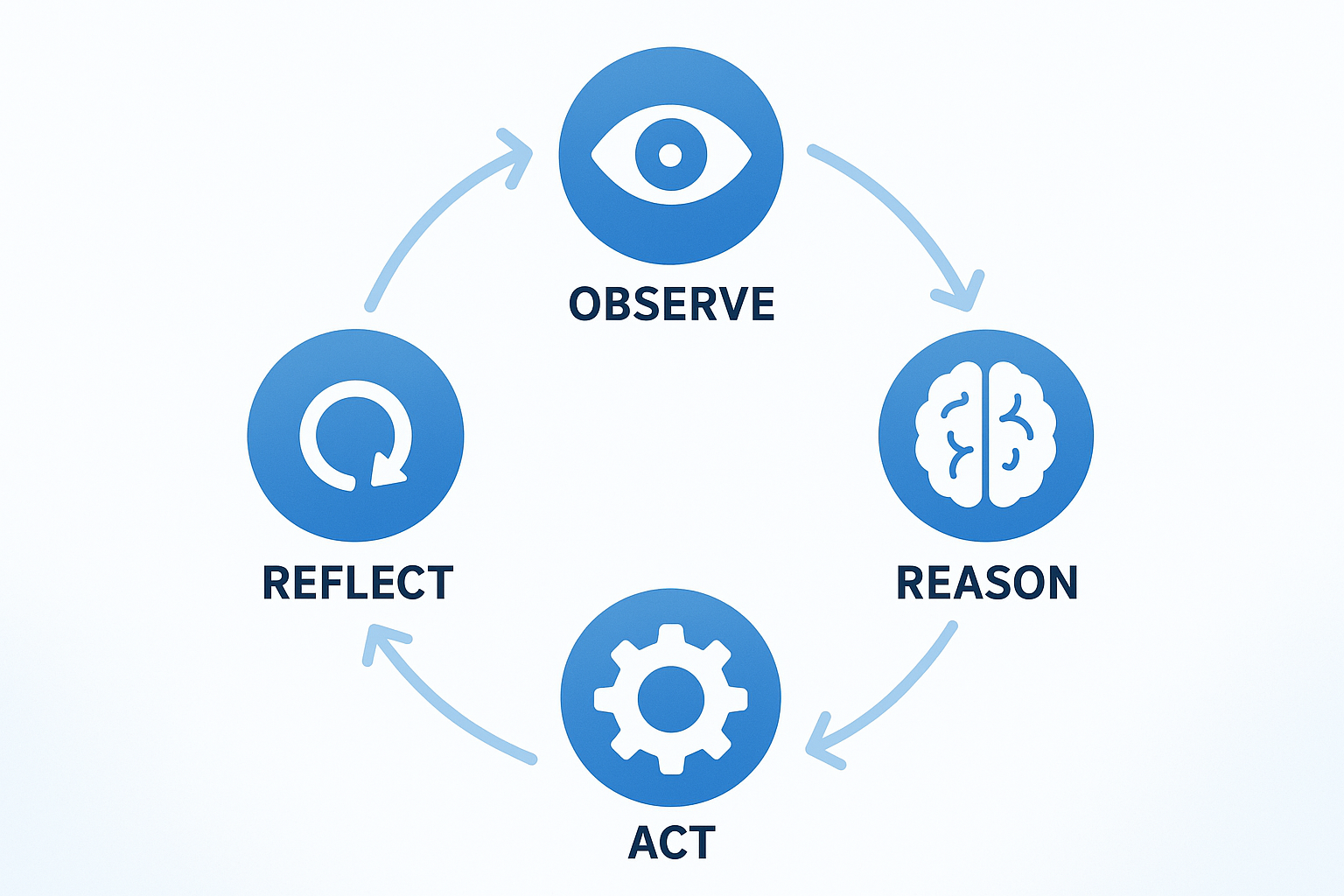
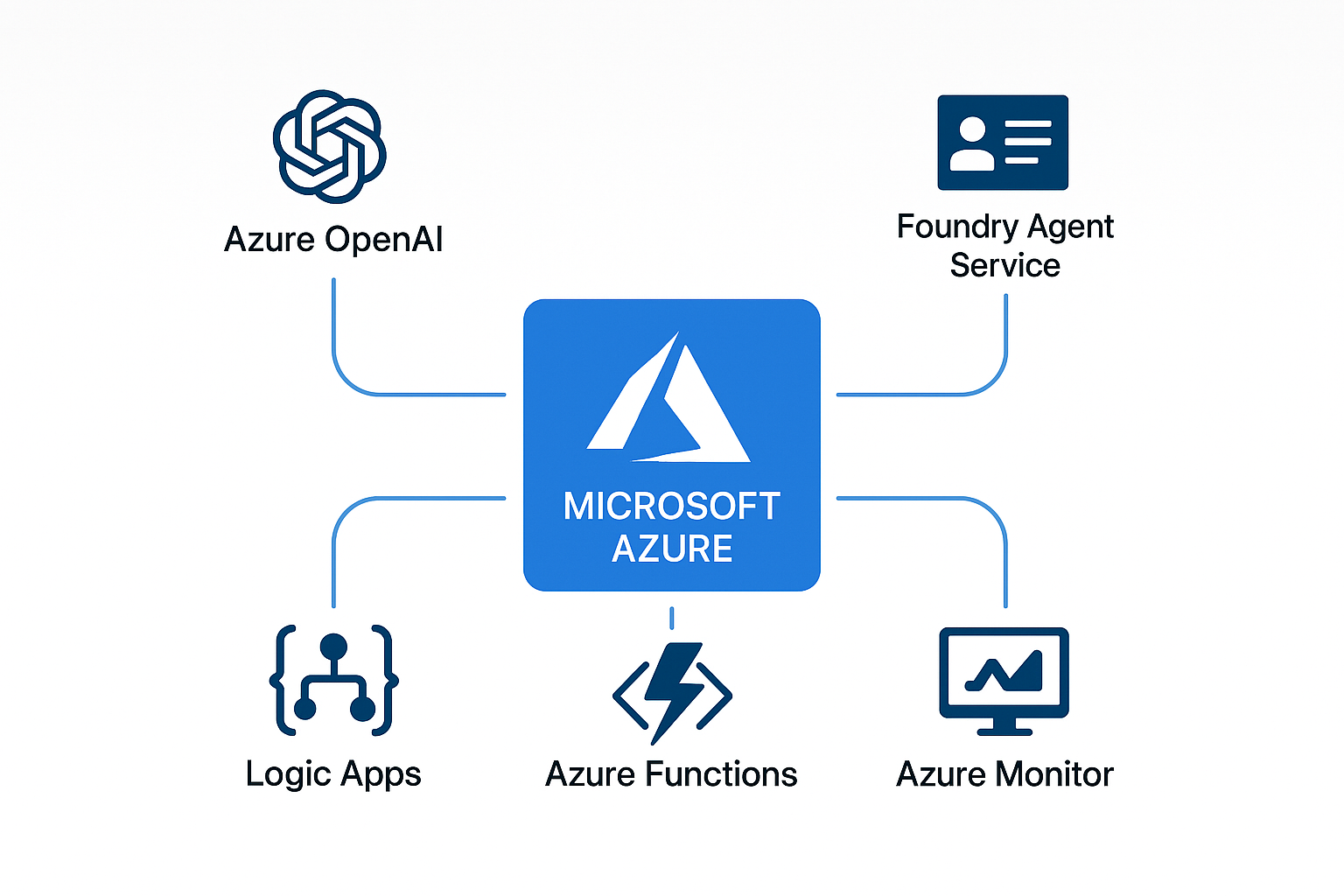
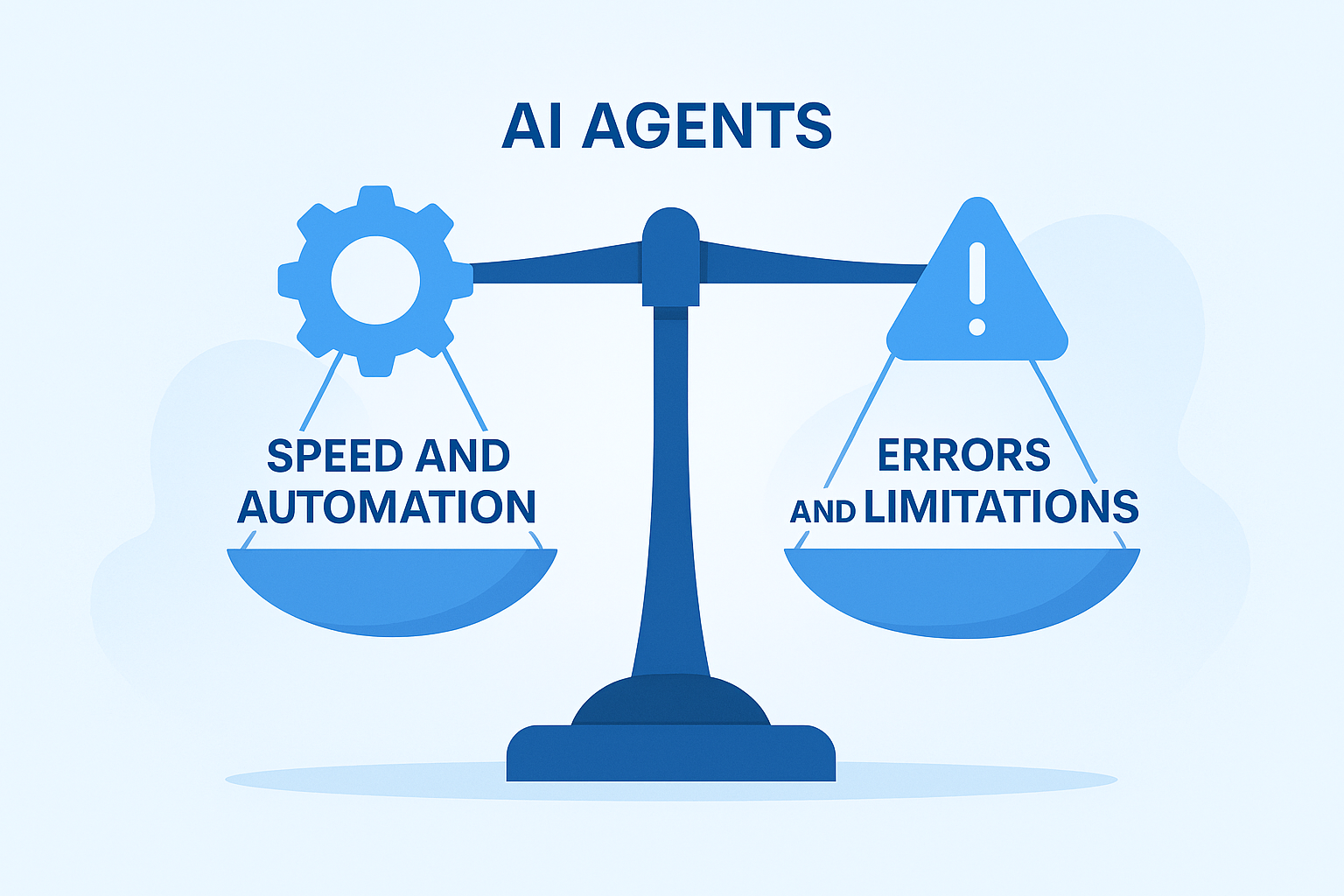
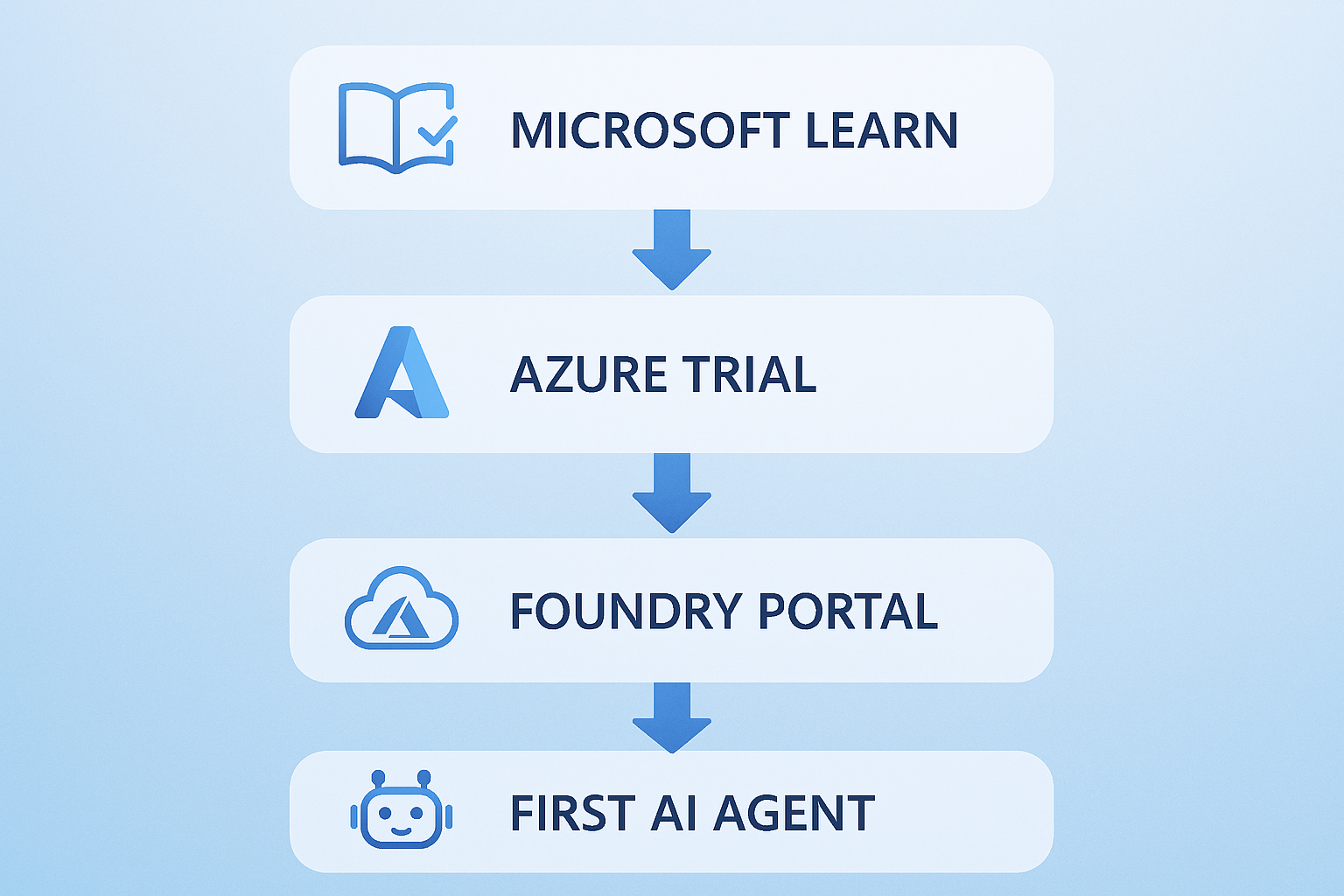
Many people learning Azure still struggle with repetitive manual tasks. AI Agents on Azure for learners offer a practical way to handle these challenges. When a 2 AM alert fires, the usual process involves manually checking the cause, reviewing affected processes, and examining the whole system. AI agents can help by analyzing why alerts happen and suggesting or executing solutions. Before agents, cloud learning relied heavily on traditional automation and manual checks. After agents, the speed and efficiency of responses improve significantly. This article shares beginner-friendly insights into how AI Agents on Azure work, written from the perspective of someone still learning this topic. Cloud environments can feel overwhelming with so many things to monitor and manage. Traditional scripts work for simple, fixed tasks but often cannot adapt to changing situations. Agent decision-making is more flexible and can handle a wider range of scenarios. Think of agentic AI as an AI assistant that helps you perform tasks and make better data-driven decisions. A helpful analogy is an autopilot — it handles routine work while you stay in control. Agents generally follow this simple cycle: Observe (gather data) → Reason (think about what to do) → Act (do the task) → Reflect (learn from the result). Azure is a good platform for learning about agents because it has strong integration with cloud resources and built-in security. Important services to know: One part that still feels unclear to many beginners (including me) is choosing the right models — some support custom models, while others use ready-made ones. Here are common examples worth learning about: The monitoring use case seems especially useful for beginners because it can reduce repetitive alert checking. AI agents can sometimes make wrong decisions if they use outdated information. Companies may be careful about fully trusting them due to risks around accuracy and control. Debugging agents is often harder than traditional scripts. Some advanced features are still maturing, so it is wise to start small and always keep human oversight. As a learner, you will benefit most if you already have basic Azure fundamentals and are willing to keep learning. Those who avoid upskilling may fall behind. The most important takeaway is to stay open to new tools while strengthening your core cloud knowledge. Creativity in problem-solving remains very valuable. Simplest first step: Read documentation, articles, or watch short videos about AI agents. What to avoid: Trying to learn everything at once. Realistic 1-week plan: Advanced setup (creating and fine-tuning agents) can be confusing at first. If I were starting tomorrow, I would first explore the Azure environment to become familiar with the portal. Beginner Implementation Steps: AI agents and Azure can work well together by improving speed and flexibility for learners. The technology is promising but works best when you combine it with your own judgment and gradual practice. As an Azure learner, take your time, start with the basics, and experiment safely. This area offers good opportunities for those who keep learning. Check out Tutorials Dojo’s AI-103 resources and Microsoft Learn for more beginner-friendly materials. References: Microsoft Learn. (2026). Get started with AI agent development on Azure. https://learn.microsoft.com/en-us/training/modules/ai-agent-fundamentals/ Microsoft Learn. (2026). Develop AI agents on Azure using VS Code. https://learn.microsoft.com/en-us/training/modules/develop-ai-agents-azure-vs-code/ Microsoft Learn. (2026). Course AI-103T00-A: Develop AI apps and agents on Azure. https://learn.microsoft.com/en-us/training/courses/ai-103t00 Microsoft DevBlogs. (2026, March 16). Foundry Agent Service is GA. https://devblogs.microsoft.com/foundry/foundry-agent-service-ga/ Tutorials Dojo. (2026). AI-103 Azure AI App and Agent Developer Associate Study Guide. https://tutorialsdojo.com/ai-103-azure-ai-app-and-agent-developer-associate-study-guide/
Why AI Agents Matter for Azure Learners
Azure’s Agentic AI Ecosystem for Beginners

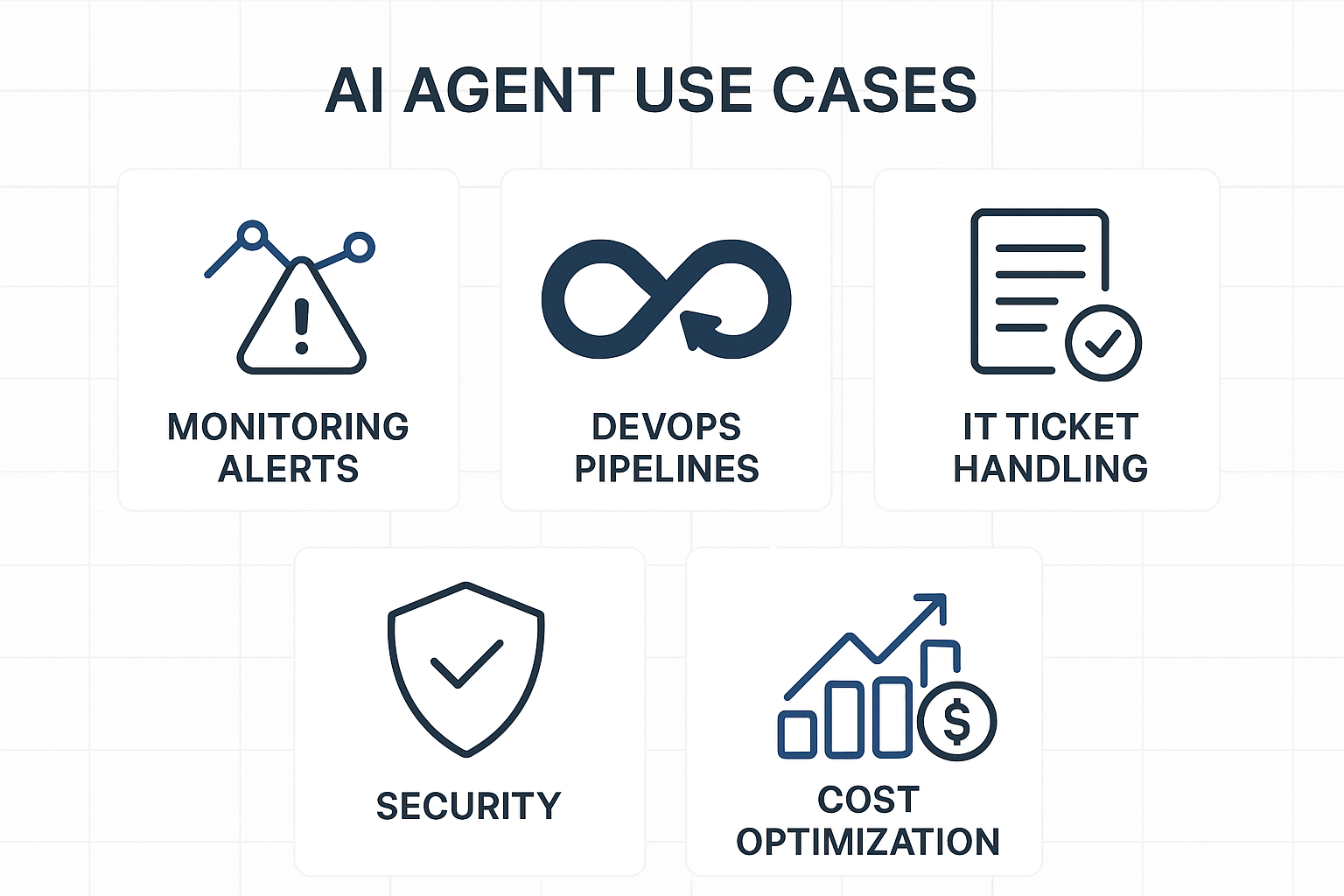
5 Practical Use Cases for Learners to Explore
Reality Check for Learners
Skills and Learning Tips
Getting Started as an Azure Learner
Conclusion
🤖 $3.74 ONLY for Claude eBooks and Get 25% OFF All Claude Reviewers

Turn Your Team Into Cloud-Ready Professionals Today

Learn AWS with our PlayCloud Hands-On Labs

$2.99 AWS and Azure Exam Study Guide eBooks

Learn GCP By Doing! Try Our GCP PlayCloud

Learn Azure with our Azure PlayCloud

FREE AI and AWS Digital Courses

FREE AWS, Azure, GCP Practice Test Samplers


Subscribe to our YouTube Channel

Follow Us On Linkedin


Written by: Jose Zyruse Navarez




