
Last updated on April 13, 2026
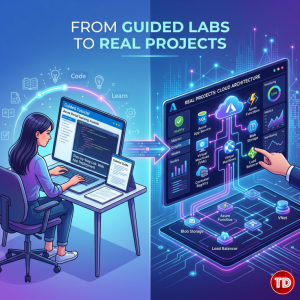
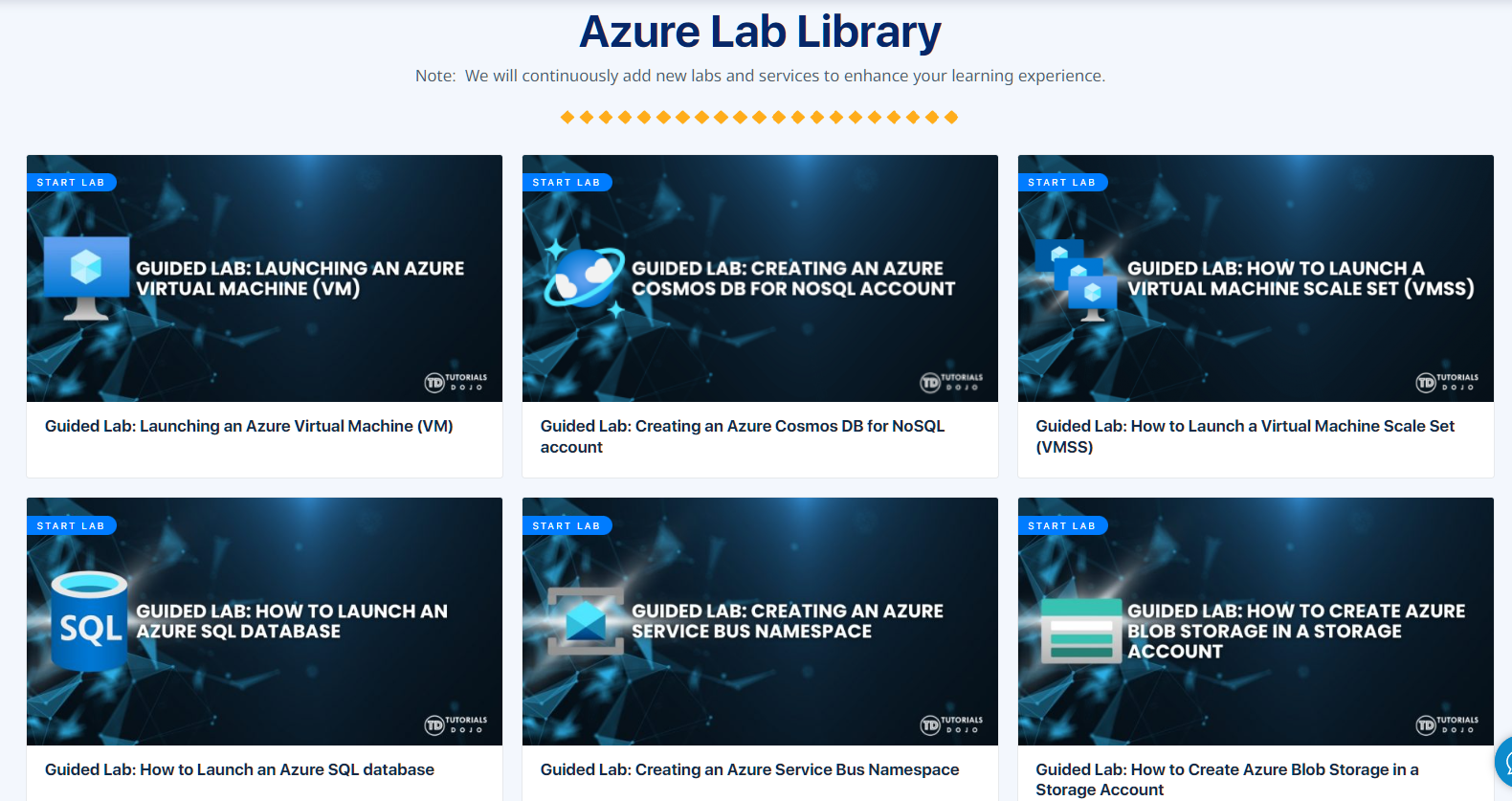
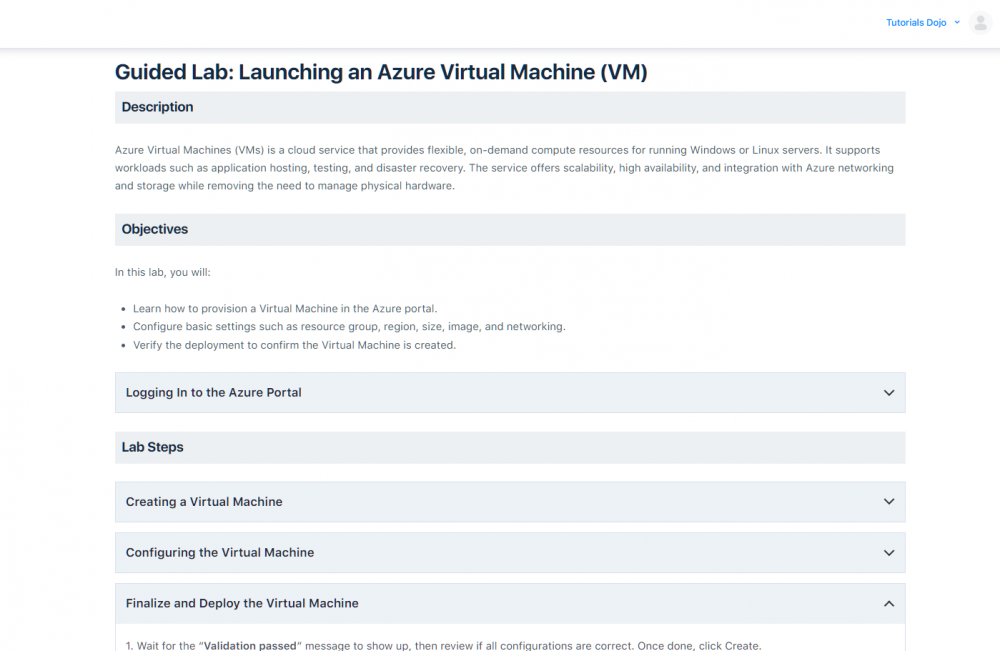
When beginners first explore cloud computing, one common assumption is that they need to understand everything before they can start building anything. For many learners, platforms like Azure can feel overwhelming at first, not because the concepts are impossible, but because the environment looks complex and production-like, where mistakes feel costly. But in reality, that’s not how learning cloud works. Cloud skills are not built by avoiding mistakes. They are built by exploring safely, experimenting repeatedly, and gradually connecting concepts through hands-on practice. The idea of “figuring everything out first” often slows down progress more than it helps. For most beginners, the Azure portal can feel less like a website and more like a high-stakes cockpit, one where a single wrong click risks an unexpected $500 bill. This “billing anxiety” is often the biggest barrier to getting started with cloud learning. Azure PlayCloud Labs was designed to remove that fear. When you first open the environment, you’re greeted by a clean, well-organized grid of Available Services. Icons for Virtual Machines, App Service, Container Instances, Cosmos DB, SQL Database, Key Vault, Service Bus, and several AI services (such as Content Safety and Document Intelligence) are neatly arranged and ready to explore. What makes this sandbox especially beginner-friendly is its thoughtful “fail-safe” design: Everything runs in the Central US region inside a fixed resource group. It creates a low-pressure “walled garden” where you can experiment, make mistakes, and start fresh without financial consequences. Most learners begin with the structured guided labs. These exercises act like clear “Lego instructions” for the cloud, providing step-by-step hands-on practice with essential Azure services. The labs cover a wide architectural foundation: One of the most valuable parts of the experience is the intentional limits built into the sandbox. Restricted VM sizes and specific SKUs can feel constraining at first, but these limits serve as helpful guardrails. They force a learner to be more deliberate with their choices and disciplined about cleaning up resources. The real value of PlayCloud Labs appears when you move beyond simply completing the labs and start applying the concepts to your own small projects. Even if a project starts completely local, the guided labs plant useful “architectural seeds” for future cloud integration: A common and effective approach for beginners is keeping a project “local-first” while gradually testing cloud integration inside the safe PlayCloud environment. This allows for experimentation with Azure SQL or Key Vault without risking the stability of the main application. After going through the guided labs and attempting to apply them, here are some practical insights to keep in mind: Azure PlayCloud Labs serves as an effective bridge between guided learning and real-world application. By combining clear, structured exercises with a safe sandbox environment, it helps beginners move from simply “checking boxes” in tutorials to actually thinking like cloud practitioners. If you’re just beginning your Azure journey, my suggestion is simple: complete the guided labs first, then pick one small idea and try applying it to a personal project. You’ll find that the knowledge sticks better and the services start to feel far less intimidating.
Opening the PlayCloud Sandbox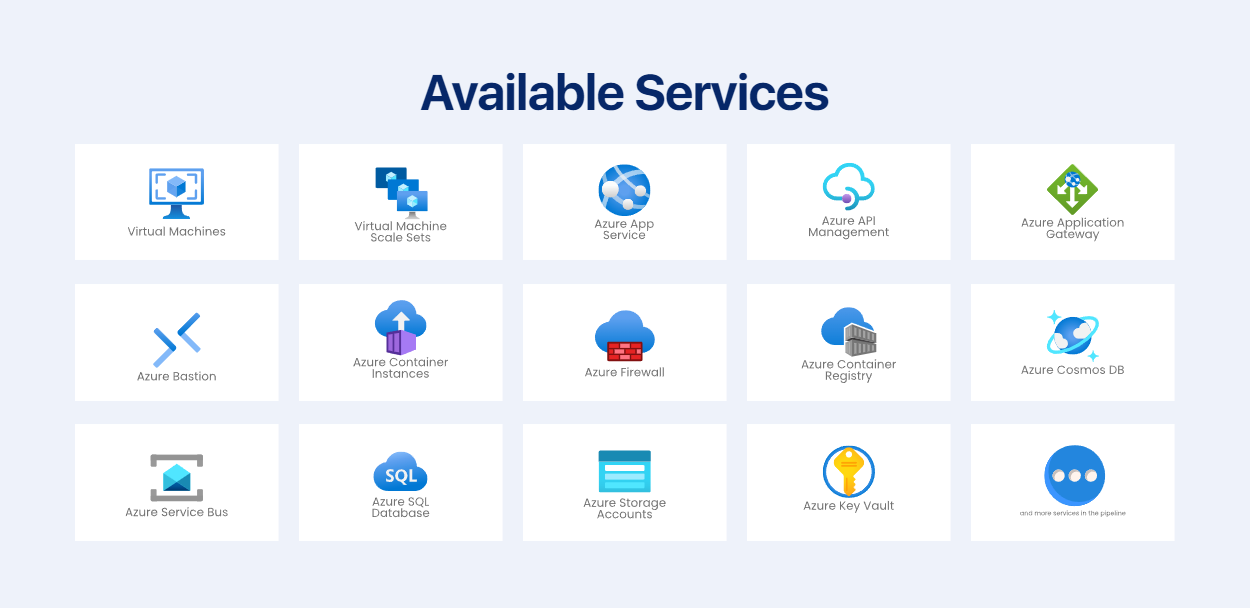

Lessons from the Guided Labs
Applying Guided Labs to Personal Projects
Key Takeaways for Beginners
Final Thoughts
References
🤖 $3.74 ONLY for Claude eBooks and Get 25% OFF All Claude Reviewers

Turn Your Team Into Cloud-Ready Professionals Today

Learn AWS with our PlayCloud Hands-On Labs

$2.99 AWS and Azure Exam Study Guide eBooks

Learn GCP By Doing! Try Our GCP PlayCloud

Learn Azure with our Azure PlayCloud

FREE AI and AWS Digital Courses

FREE AWS, Azure, GCP Practice Test Samplers


Subscribe to our YouTube Channel

Follow Us On Linkedin


Written by: Jose Zyruse Navarez




