Last updated on April 12, 2023
|
Service Control Policies (SCP) |
IAM Policies |
|
|
Note: If you are studying for the AWS Certified Database Specialty exam, we highly recommend that you take our AWS Certified Database – Specialty Practice Exams and read our Database Specialty exam study guide.
References:
https://docs.aws.amazon.com/AmazonElastiCache/latest/red-ug/RedisAOF.html
https://docs.aws.amazon.com/AmazonElastiCache/latest/red-ug/Replication.Redis.Groups.html
https://docs.aws.amazon.com/AmazonElastiCache/latest/red-ug/Replication.Redis-RedisCluster.html
https://redis.io/topics/persistence


Learn AWS with our PlayCloud Hands-On Labs
🧑💻 50% OFF – CodeQuest Coding Labs

$2.99 AWS and Azure Exam Study Guide eBooks
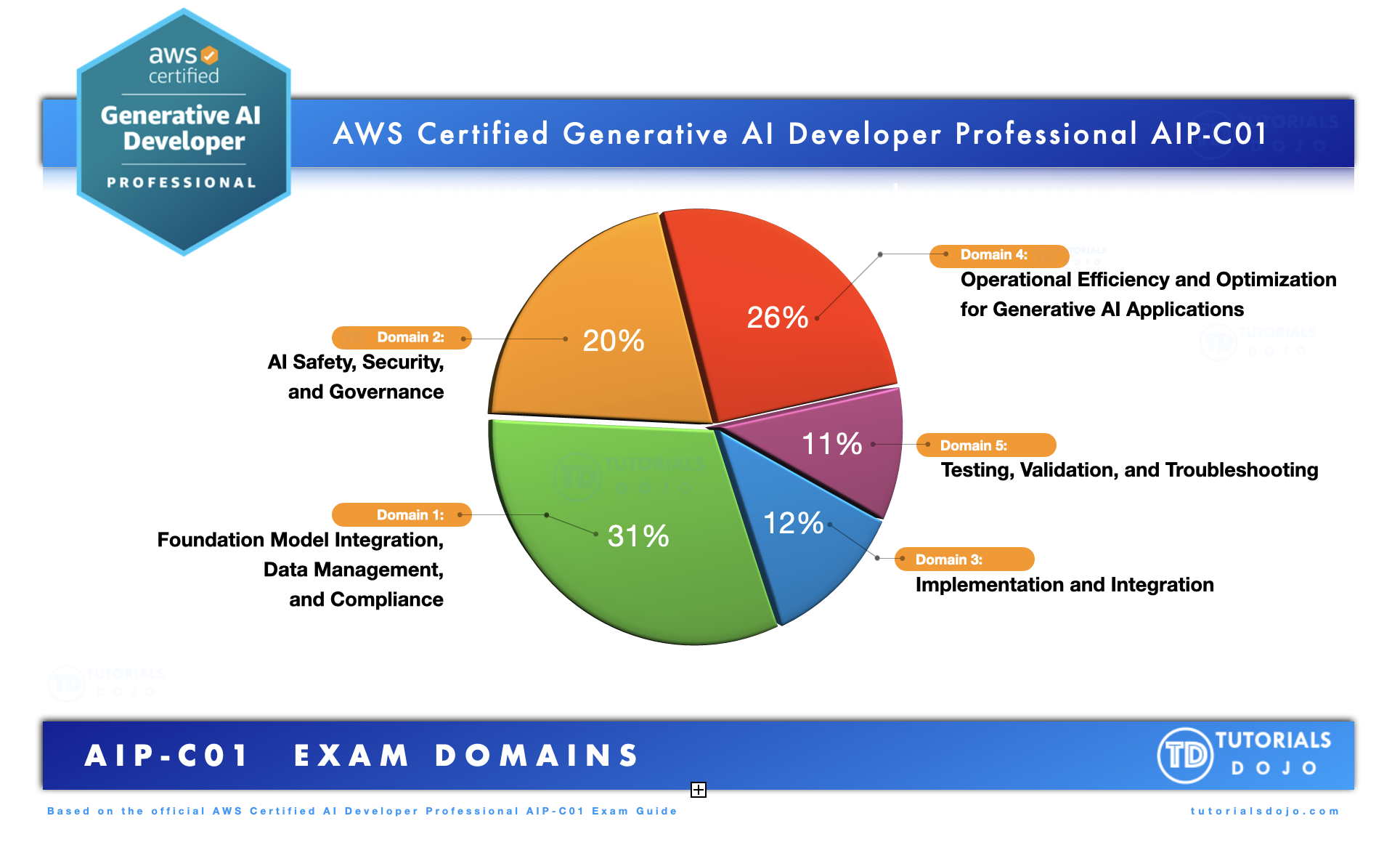
New AWS Generative AI Developer Professional Course AIP-C01
Learn GCP By Doing! Try Our GCP PlayCloud
Learn Azure with our Azure PlayCloud
FREE AI and AWS Digital Courses
FREE AWS, Azure, GCP Practice Test Samplers
Subscribe to our YouTube Channel

Follow Us On Linkedin


Written by: Jon Bonso

Jon Bonso is the co-founder of Tutorials Dojo, an EdTech startup and an AWS Digital Training Partner that provides high-quality educational materials in the cloud computing space. He graduated from Mapúa Institute of Technology in 2007 with a bachelor's degree in Information Technology. Jon holds 10 AWS Certifications and is also an active AWS Community Builder since 2020.