
Amazon Security Lake is a managed service that collects and stores security logs from AWS services, on-premises systems, and supported third-party tools. It automatically converts all incoming data into Apache Parquet and formats everything using the OCSF schema. This setup allows different kinds of security logs to follow one consistent structure instead of having separate formats. With this unified approach, teams no longer need to decode or reorganize data manually because Security Lake handles the normalization process for them. In this article, we will walk through what OCSF is, how Amazon Security Lake uses it, and why this combination makes security analysis easier for everyone. The Open Cybersecurity Schema Framework (OCSF) is an open-source standard that defines a common structure for security events. You can think of it as a universal language that helps logs from different systems look similar and stay organized. Instead of having every security tool use its own log format, OCSF provides shared fields and event categories such as Authentication, Network Activity, and DNS Activity. This makes it easier for teams to understand logs quickly without switching between multiple formats. OCSF is maintained by AWS and several industry partners, which means it evolves to support new event types over time. The collaboration behind the framework keeps it updated and applicable to modern security challenges. Because many organizations contribute to OCSF, the schema stays practical and flexible for both cloud and on-premises environments. With a shared schema in place, security tools can “speak” the same log format and generate data that is easier to analyze as a whole. Amazon Security Lake automatically normalizes incoming log data using the OCSF schema to ensure that all logs follow the same structure. For native AWS services such as CloudTrail, VPC Flow Logs, and Security Hub, Security Lake ingests their data and immediately converts it to OCSF format. After the conversion, the normalized logs are stored in Amazon S3 buckets, one for each Region you enable, so they can be easily queried or shared with analytics tools. If you want to include custom logs from on-premises systems or third-party solutions, these logs must already be formatted using the OCSF schema and saved in Parquet format before being ingested. In short, Security Lake streamlines the entire process of log collection and organization. It automatically maps AWS-native logs to the correct OCSF event classes, reducing the effort required from your team. For external or custom data sources, you can simply transform them into OCSF using a Lambda function or other processing pipeline before uploading. Once the logs are inside the lake, everything becomes easier to query, analyze, and correlate because all logs share the same schema. Using OCSF inside Amazon Security Lake offers several major advantages that make security operations more efficient and reliable. Because logs share the same structure, security teams can write a single rule or query to search across data from multiple tools. This removes a lot of the complexity traditionally associated with analyzing security logs, especially when they come from different systems. For example, you could run an Athena query for Beyond easier searching, this consistency helps organizations reduce errors and improve decision-making. Analysts spend less time translating logs and more time identifying threats. The unified schema also makes dashboards and SIEM tools more accurate since they no longer need to work around incompatible log formats. Overall, OCSF significantly improves the speed, clarity, and depth of security analysis across the entire environment. Amazon Security Lake’s use of OCSF makes it much easier for organizations to work with security data collected from different tools and environments. Because all data is normalized into a single schema, teams can rely on it for many practical and everyday security needs. This includes tasks ranging from routine monitoring to advanced analytics and automation. Whether you’re investigating incidents, checking compliance, hunting for threats, or feeding data into visualization dashboards, OCSF ensures that your logs always follow a consistent standard. This unified structure is what allows Security Lake to support a wide variety of workflows smoothly and efficiently. Security Incident Investigation: Quickly pivot between events across many log sources during detailed forensic analysis. Compliance Auditing: Produce consistent and reliable reports across multiple services using standardized data. Threat Hunting: Run cross-source pattern searches using SQL, SIEM tools, or custom detection rules. Data Enrichment: Integrate OCSF logs into dashboards, machine learning models, and analytics tools for deeper insights. Amazon Security Lake and OCSF make a powerful combination for modernizing and simplifying security operations. By normalizing security data into a single, consistent schema, teams can detect threats faster, run more accurate queries, and streamline overall compliance processes. Whether you’re just beginning with AWS security or scaling up your existing environment, using OCSF in Security Lake brings clarity and structure to your data. It is an essential step toward building a unified, efficient, and highly responsive threat detection strategy within your organization.
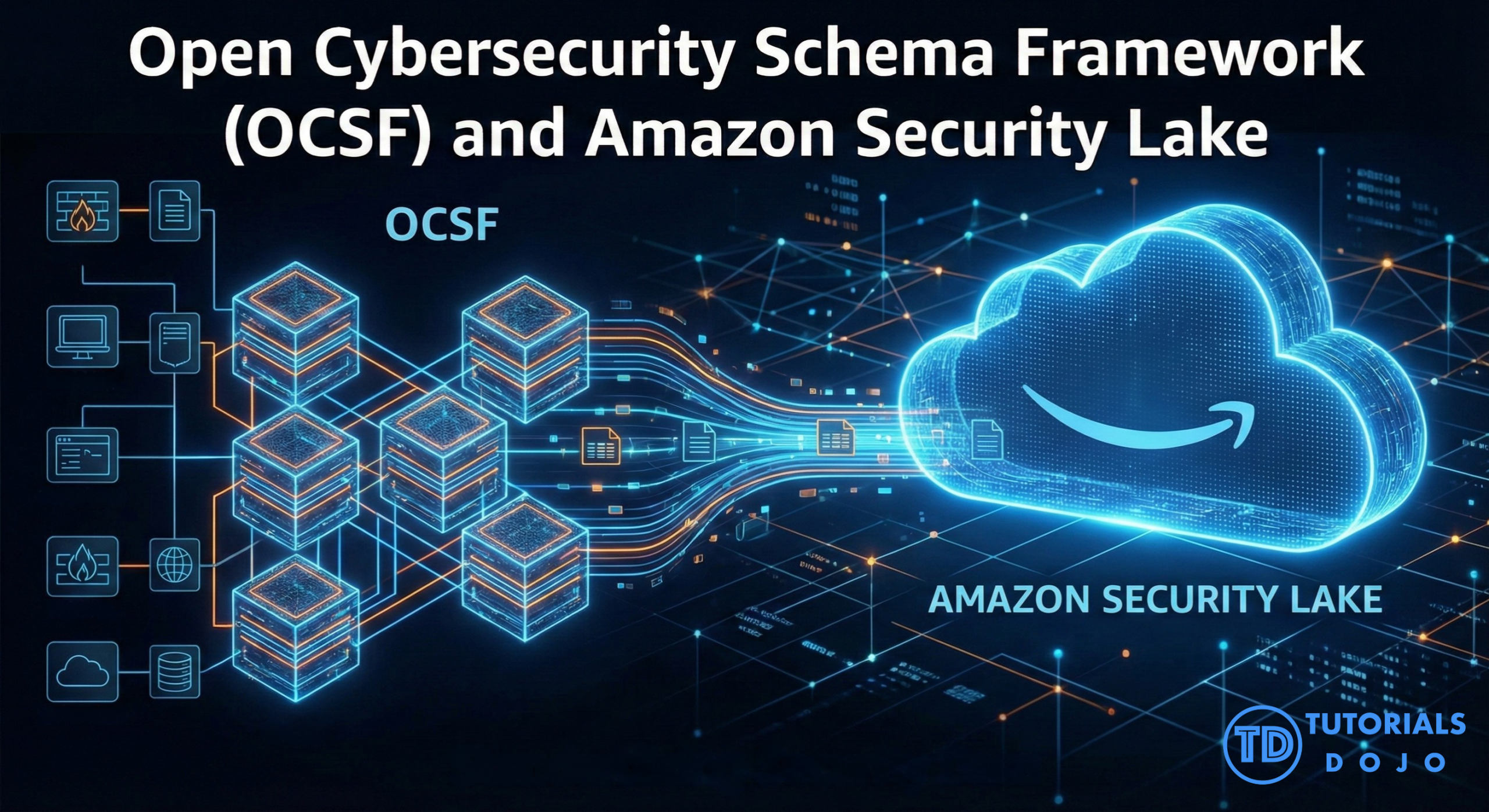
What is OCSF?
How Security Lake Uses OCSF
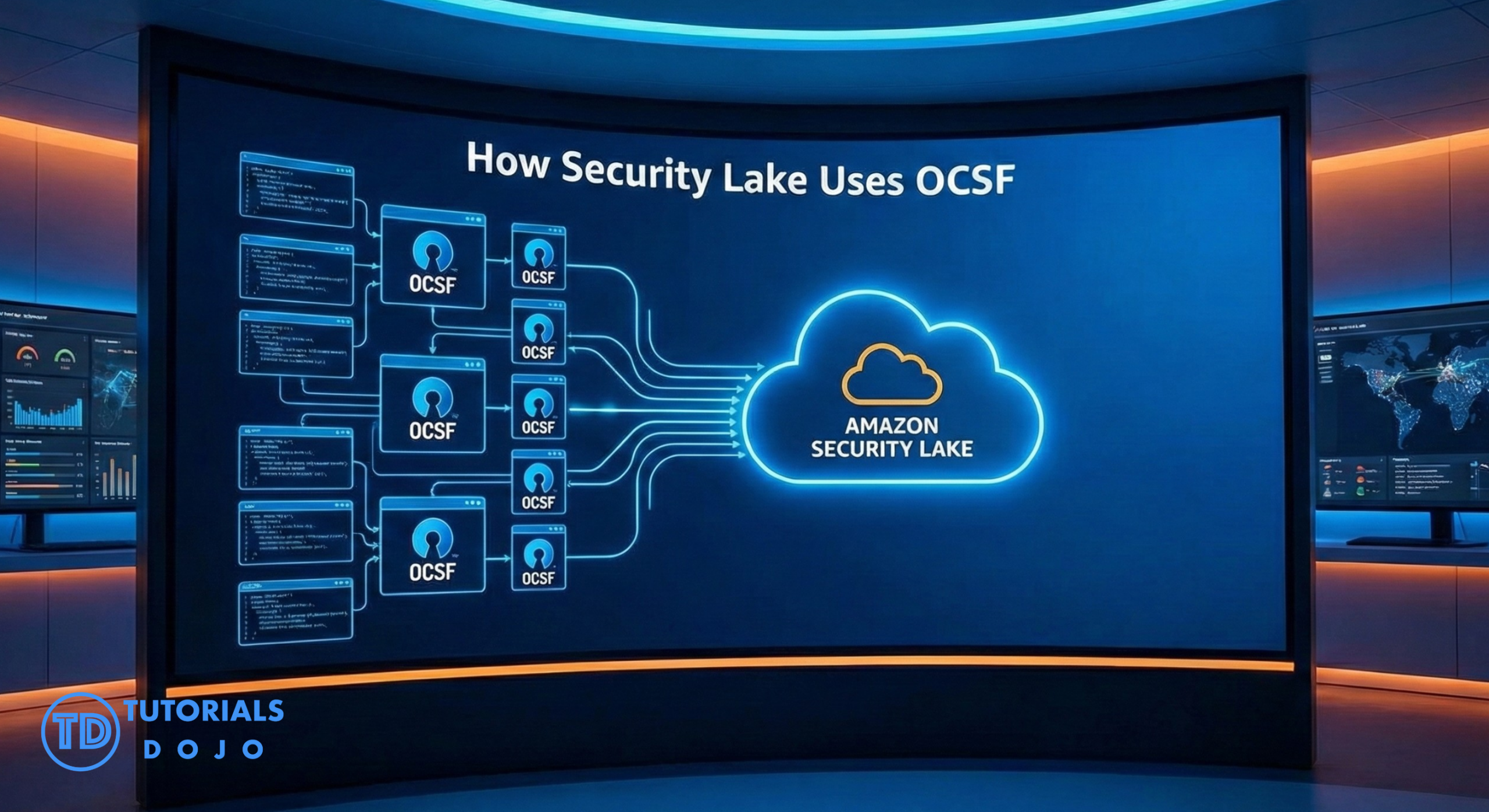
Benefits of OCSF in Security Lake
event.metadata.event_name = 'CreateUser' and instantly see matching events from CloudTrail, external tools, or any custom logs converted to OCSF.
Common Use Cases for OCSF in Amazon Security Lake
Step-by-Step: Getting Started with OCSF in Security Lake
eventClass, severity, or metadata. Viewing the data structure helps ensure that everything is being mapped correctly and that your queries will work as expected. It’s also a good opportunity to familiarize yourself with the OCSF naming conventions. This step helps build confidence in your logging pipeline before moving to more complex tasks.Conclusion
References

🔥 $1.99 eBooks and $4.99 Video Claude Reviewers

Turn Your Team Into Cloud-Ready Professionals Today

Learn AWS with our PlayCloud Hands-On Labs

$2.99 AWS and Azure Exam Study Guide eBooks

Learn GCP By Doing! Try Our GCP PlayCloud

Learn Azure with our Azure PlayCloud

FREE AI and AWS Digital Courses

FREE AWS, Azure, GCP Practice Test Samplers


Subscribe to our YouTube Channel

Follow Us On Linkedin


Written by: Ian Vergara




