
GitHub Copilot Prompt Engineering Cheat Sheet
Prompt engineering is the practice of crafting clear, structured prompts that guide GitHub Copilot to generate accurate, relevant responses. It applies to chat prompts, inline code comments, file references, and workspace context.
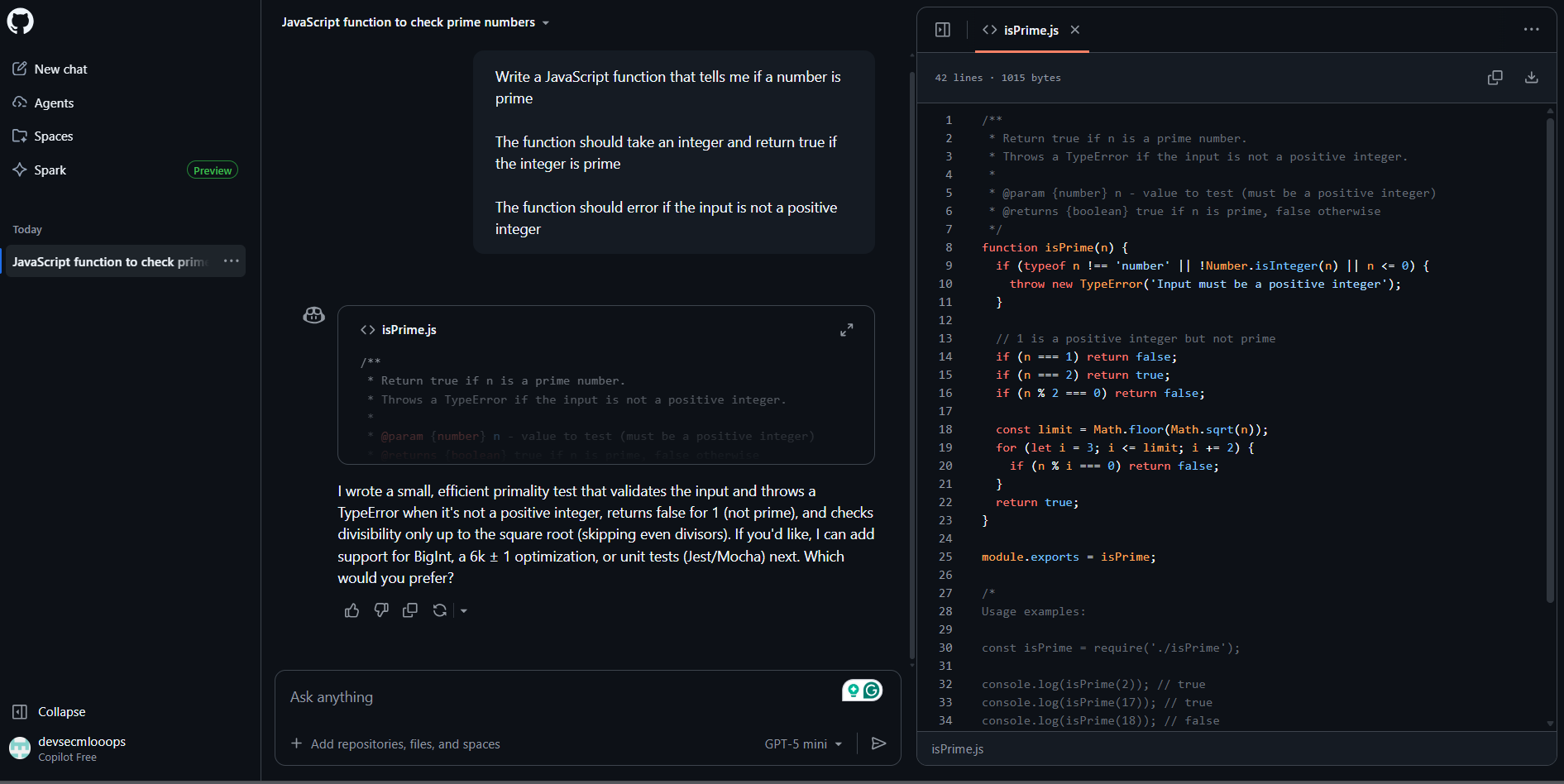
Prompt Engineering Best Practices
| Best Practices |
Description |
Examples/ Guidance |
| Start General, Then Add Specifics | Begin with the broad goal, then refine with constraints and requirements. | General: “Create a function that validates email addresses.” Specific: “Support international domains, return error objects, no external libraries.” |
| Provide Relevant Project Context | Copilot becomes more accurate when it understands which file, code block, or workspace area is relevant to the task at hand. | Use: • File references • Highlighted selections • Workspace tags like #file:, #selection, @workspace |
| Use Examples (Input/Output) | Examples constrain behavior and clarify expected functionality. | Input: “abc123” → Output: true Input: “abc!” → Output: false |
| Break Large Tasks into Steps | Break down complex problems to enhance output quality and minimize errors. | Suggested steps: • Design • Implementation • Refinement • Documentation • Testing |
| Avoid Ambiguous Language | Eliminate vague or generic instructions to prevent misinterpretation. | ❌ “Fix this.” ❌ “Improve performance.” ✔ “Optimize calculateMonthlyReport() to reduce O(n²) complexity.” |
| Define Constraints & Standards | Set coding conventions, architectural expectations, and framework rules. | Specify: • Framework versions • Coding style • Architecture • Language • Naming rules Example: “Use React 18 functional components, TypeScript strict mode, Tailwind CSS, and avoid class-based components.” |
| Manage Chat History Carefully |
Remove unrelated conversations to avoid confusion and improve accuracy. | • Clear old threads • Separate unrelated topics • Keep context focused |
| Iterate & Refine |
Improve results by refining prompts and adjusting context based on responses. | If output is inaccurate: • Add context • Rewrite prompt • Highlight code • Provide examples • Simplify tasks |
| Use Role Prompting |
Influence tone, expertise, and depth by assigning a role or persona. | Example: “You are a senior backend engineer specializing in Java Spring Boot. Design a REST endpoint for…” |
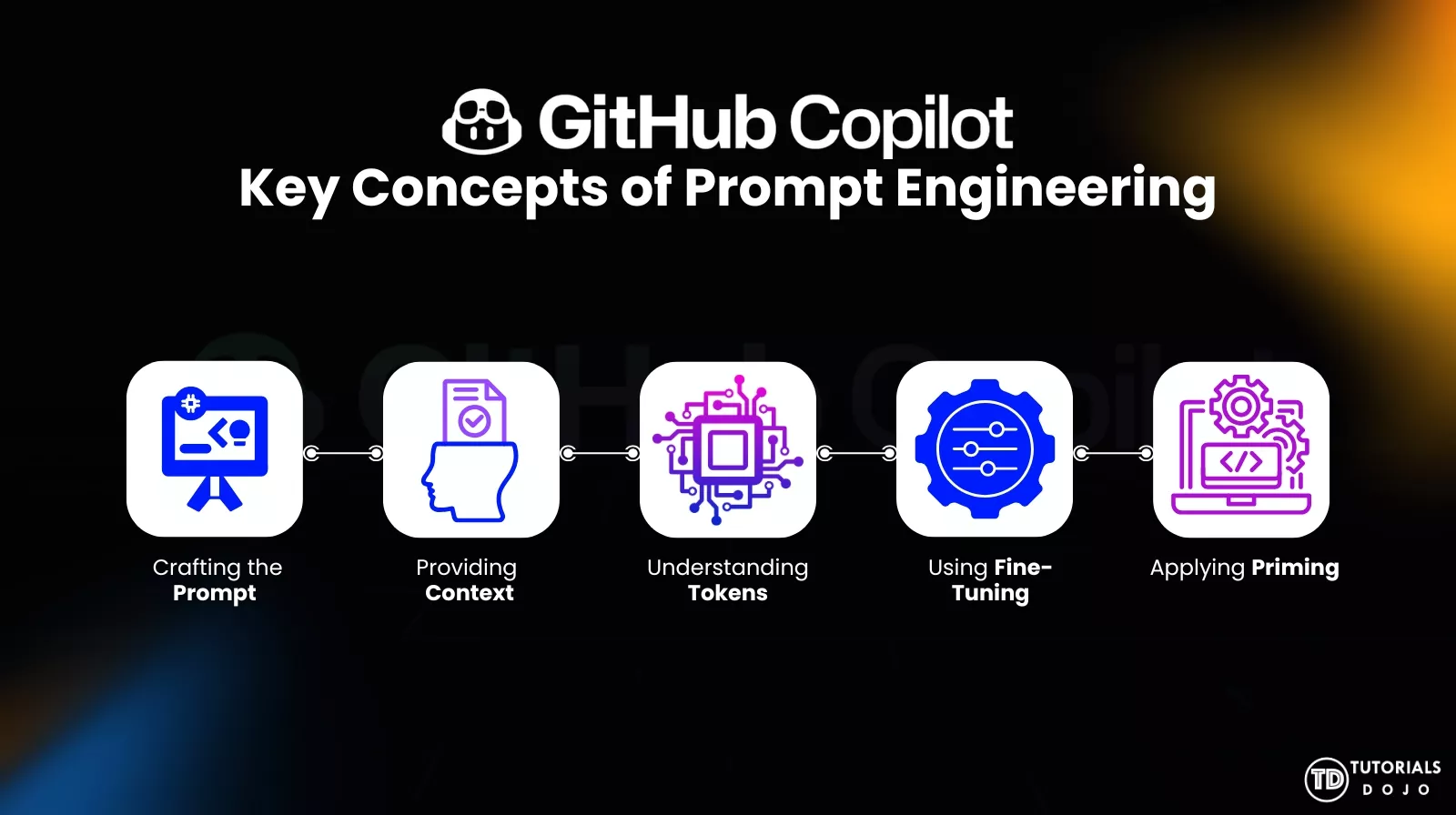
Key Concepts of Prompt Engineering
1. Crafting the Prompt
Creating a clear, structured, and specific instruction that tells the model exactly what task to perform. A well-crafted prompt reduces ambiguity and guides the model toward the intended outcome.
2. Providing Context
Supplying relevant background information, such as goals, constraints, examples, or surrounding code, helps the model understand the situation and generate more accurate, aligned responses.
3. Understanding Tokens
Recognizing that AI models read and process text in small units called tokens. Awareness of token limits, structure, and tokenization patterns helps shape prompts that are both concise and effective.
4. Using Fine-Tuning
Enhancing a model’s performance by training it on specialized datasets. Fine-tuning helps the model adapt to specific domains, tasks, or styles, improving accuracy and consistency where general prompting may fall short.

5. Applying Priming
Adding supportive cues such as examples, instructions, or reasoning frameworks to influence how the model behaves. Priming steers the AI toward higher-quality responses by shaping its thinking before it produces the final output.
CONCLUSION
Practical prompt engineering transforms GitHub Copilot from a simple autocomplete tool into a competent coding partner. By starting with clear objectives, supplying relevant context, using concrete examples, structuring complex tasks, and refining prompts iteratively, developers can dramatically improve both the accuracy and quality of Copilot-generated output.
Treat prompts as part of the development process—well-crafted prompts lead to better code, fewer revisions, and more reliable automation. The more intentional the prompt, the more powerful Copilot becomes.
REFERENCES
https://docs.github.com/en/copilot/concepts/prompting/prompt-engineering
https://docs.github.com/en/copilot/get-started/best-practice
🔔 20% OFF All Reviewers + 10% OFF PlayCloud’s First Billing Use Code: TDPLAYCLOUD-101326

Turn Your Team Into Cloud-Ready Professionals Today

Learn AWS with our PlayCloud Hands-On Labs

$2.99 AWS and Azure Exam Study Guide eBooks

Learn GCP By Doing! Try Our GCP PlayCloud

Learn Azure with our Azure PlayCloud

FREE AI and AWS Digital Courses

FREE AWS, Azure, GCP Practice Test Samplers


Subscribe to our YouTube Channel

Follow Us On Linkedin


Written by: Ace Kenneth Batacandulo




