
Last updated on February 13, 2026
GitHub CLI Cheat Sheet
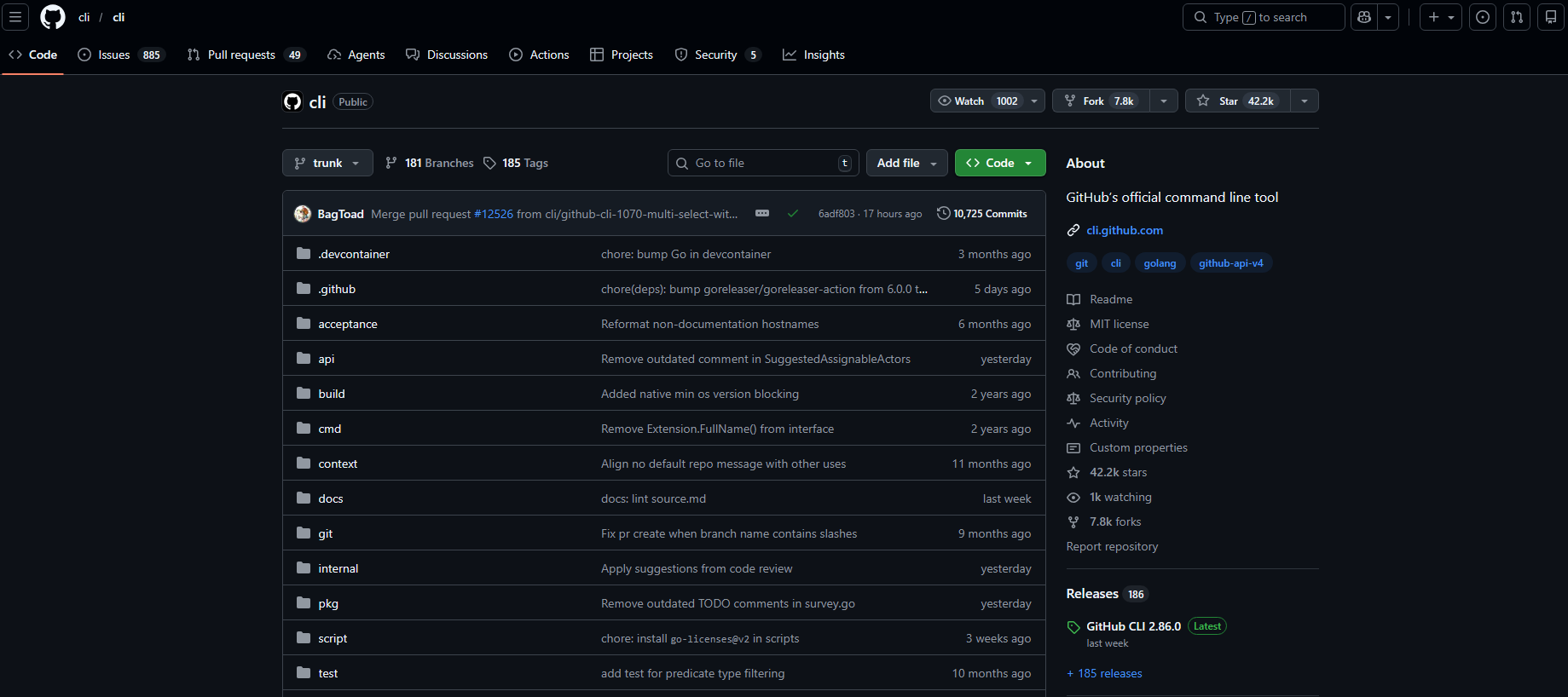
GitHub CLI (gh) is a command-line interface to GitHub for use in your terminal. It helps you interact with many GitHub features—issues, pull requests, checks, releases, and more—without needing to switch to a web browser.
Key Concepts
- Authentication: Required for most operations.
ghuses OAuth tokens or Personal Access Tokens (PATs) to authenticate with GitHub. - Repository: The primary location for your project’s code and collaboration. Many
ghcommands operate within the context of a repository. - Issue: A unit for tracking work, such as bug reports or feature requests.
- Pull Request (PR): A proposal to merge changes from one branch into another.
- GitHub Actions: The platform’s CI/CD service.
ghcan help view and manage workflow runs. - Extension: A script or program that adds new commands to
gh.
Core Commands
Repository Commands (gh repo)
| Command | Purpose | Key Flags |
gh repo view [<repository>] |
Display information about a repository. Opens in browser with --web. |
--web, --json |
gh repo clone <repository> |
Clone a repository. | – |
gh repo create [<name>] |
Create a new repository. | --public, --private, --clone, --remote |
gh repo fork <repository> |
Create a fork of a repository. | --clone, --remote |
gh repo list [<owner>] |
List repositories for an owner. | --limit, --source, --fork, --json |
Issue Commands (gh issue)
| Command | Purpose | Key Flags |
gh issue list |
List and filter issues in the current repository. | --state, --assignee, --label, --author, --web, --json |
gh issue create |
Create a new issue. | --title, --body, --assignee, --label, --project, --milestone |
gh issue view {<number> | <url>} |
View details of a specific issue. | --web, --comments |
gh issue status |
Show status of relevant issues for the current user. | – |
gh issue close {<number> | <url>} |
Close an issue. | --comment, --reason |
Pull Request Commands (gh pr)
| Command | Purpose | Key Flags |
gh pr list |
List and filter pull requests. | --state, --author, --assignee, --label, --web, --json |
gh pr create |
Create a new pull request. | --title, --body, --base, --head, --reviewer, --assignee, --label, --draft, --fill |
gh pr view [<number> | <url>] |
View details of a pull request. | --web, --comments |
gh pr checkout {<number> | <url> | <branch>} |
Check out the head branch of a pull request locally. | – |
gh pr diff [<number> | <url> | <branch>] |
View changes in a pull request. | --color |
gh pr merge [<number> | <url>] |
Merge a pull request. | --squash, --rebase, --delete-branch |
gh pr ready [<number> | <url>] |
Mark a draft pull request as ready for review. | – |
GitHub Actions Commands
| Command | Purpose | Key Flags |
gh workflow list |
List workflow files in the repository. | --all |
gh workflow view [<workflow>] |
Display details for a workflow file. | --ref, --web, --yaml |
gh run list |
List recent workflow runs. | --workflow, --branch, --user, --status, --json |
gh run view [<run-id>] |
View details for a specific workflow run or the latest run. | --log, --job, --exit-status, --web |
gh run watch [<run-id>] |
Watch a workflow run until it completes, then report the outcome. | --interval, --exit-status |
Configuration
Environment Variables
-
GH_TOKENorGITHUB_TOKEN: A Personal Access Token for authentication, useful in scripts or CI. -
GH_HOST: The GitHub hostname to connect to (for GitHub Enterprise Server). -
GH_REPO: Set a default repository for commands in the current directory. -
GH_EDITOR,VISUAL, orEDITOR: The editor tool to use for interactive commands.

Extensions
-
gh extension list: List installed extensions. -
gh extension install <repository>: Install an extension from a GitHub repository. -
gh extension create <name>: Create a new extension scaffold. -
gh extension upgrade --all: Upgrade all installed extensions.
Best Practices & Troubleshooting
Best Practices
-
Use the
--helpflag with any command to see available options and usage. -
For automation and scripting, use the
--jsonflag to get machine-readable output, which can be parsed with tools likejq. -
In CI environments, authenticate using the
GH_TOKENenvironment variable. -
Pin to specific versions of
ghextensions in scripts for stability.
Troubleshooting
-
Command not found: Ensure the installation directory is in your system’s PATH.
-
Authentication errors: Run
gh auth loginto refresh credentials. Verify token scopes withgh auth status. -
“Repository not found”: Ensure you are in a Git directory or use the
-R <repository>flag to specify one. -
API rate limits: Authenticated requests have a higher limit than unauthenticated ones.
References
https://docs.github.com/en/github-cli
🔥 $1.99 eBooks and $4.99 Video Claude Reviewers

Turn Your Team Into Cloud-Ready Professionals Today

Learn AWS with our PlayCloud Hands-On Labs

$2.99 AWS and Azure Exam Study Guide eBooks

Learn GCP By Doing! Try Our GCP PlayCloud

Learn Azure with our Azure PlayCloud

FREE AI and AWS Digital Courses

FREE AWS, Azure, GCP Practice Test Samplers


Subscribe to our YouTube Channel

Follow Us On Linkedin


Written by: Joshua Emmanuel Santiago




