
Last updated on February 13, 2026
Github Pages Cheat Sheet
GitHub Pages provides straightforward static website hosting directly from your GitHub repositories. This service transforms repository files into complete websites, handling the deployment and hosting without requiring separate infrastructure. It works seamlessly with static site generators and supports custom domains, making it suitable for project documentation, personal portfolios, organizational sites, and blogs.
Key Concepts
| Concepts | Description |
| Repository Types | User/Organization sites (one per account, username.github.io repo) and Project sites (unlimited, any repo with Pages enabled) |
| Source Branches | Options: root of main branch, /docs folder on main, or dedicated gh-pages branch |
| Static Site Generator | Jekyll comes pre-configured, but you can use any generator (Hugo, Gatsby) with GitHub Actions |
| Build Process | Automatic building and deployment when you push to the source branch |
| Custom Domains | Configure your own domain name through DNS settings and repository configuration |
Getting Started Guide
1. Creating Your First Site
- Create a repository named
yourusername.github.io(replace with your GitHub username) - Add an HTML file named
index.htmlto the repository root - Commit and push the file to the default branch
- Navigate to repository Settings > Pages
- Under “Build and deployment,” verify the source branch is set correctly
- Your site becomes available at
https://yourusername.github.io
2. Configuration Options
Different repository setups serve different purposes:
For User/Organization Sites:
- Repository must be named exactly
username.github.io - Content must be in the root of the default branch
- Serves as your primary GitHub Pages site
For Project Sites:
- Any repository name works
- Three source options:
- Root of the default branch
/docsfolder on default branch- Dedicated
gh-pagesbranch
- Accessible at
username.github.io/repository-name\

Customization Features
1. Jekyll Integration
GitHub Pages includes built-in Jekyll support with minimal configuration required.
Theme Selection:
- Use the theme chooser in repository Settings
- Reference remote themes in configuration
- Modify themes through overriding CSS
2. Custom Domain Setup
To use your own domain:
-
Repository Configuration:
-
Go to Settings > Pages
-
Enter your domain in the custom domain field
-
Save changes
-
-
DNS Configuration:
-
Create a
CNAMEfile containing your domain in the repository root -
Configure DNS records with your registrar:
-
A records pointing to GitHub’s IP addresses
-
Or CNAME record pointing to your GitHub Pages URL
-
-
-
HTTPS Enforcement:
-
Wait for SSL certificate provisioning (automatic)
-
Enable “Enforce HTTPS” in Pages settings
-
3. Advanced Deployment with GitHub Actions
- The official
actions/deploy-pagesaction is the recommended method for deploying from a custom CI/CD workflow. You could add its basic configuration template. - GitHub Pages automatically sets a
GITHUB_PAGESenvironment variable to"true"during builds, which can be used in scripts.
Common Issues and Resolutions
| Issue | Root Cause | Resolution Steps |
| Page Build Failure | Syntax errors in _config.yml, unsupported plugins, or invalid front matter |
Check the build error email from GitHub, validate YAML syntax, remove unsupported plugins |
| Missing Styles/Assets | Incorrect relative paths, especially when using baseurl for project sites | Use {{ site.baseurl }} prefix for assets, verify file locations in the built _site directory |
| Domain Connection Problems | DNS propagation delays, incorrect record types, or missing CNAME file | Verify DNS records with diagnostic tools, ensure CNAME file exists in repository, wait 24-48 hours for propagation |
| Content Not Updating | Build cache issues, failed deployment, or incorrect source branch configuration | Check Actions tab for build status, manually trigger rebuild by pushing a minor change, verify source branch settings |
| Jekyll Files Ignored | Files and directories with leading underscores are processed specially by Jekyll | Configure include in _config.yml to specify additional files, or rename without leading underscore |
| Repository Size Warning |
Repository approaching the recommended 1GB soft limit, which can affect site performance and build reliability | Audit and clean up repository history (e.g., remove large old files). For large necessary files, host them externally (e.g., on a CDN or object storage) and link to them. Consider archiving old project sites. |
| Build Timeout Failure |
The build process (Jekyll or a custom GitHub Actions workflow) exceeds the 10-minute maximum execution time. | Optimize build: minimize plugins, use incremental builds, pre-build locally. For complex sites, generate the site locally and commit the static files instead. |
Best Practices
Configuration Management
-
Place configuration settings in
_config.ymlrather than hardcoding values in templates -
Use environment variables for sensitive information when building with Actions
-
Implement a consistent directory structure for assets, includes, and layouts
Performance Optimization
-
Minimize external dependencies and third-party scripts
-
Enable GitHub’s built-in caching for assets
-
Compress images before committing to the repository
-
Use CSS and JavaScript minification in build process
Maintenance Practices
-
Regularly update dependencies and themes
-
Monitor repository size (soft limit of 1GB)
- Create a custom 404 page for better user experience
-
Set up email notifications for build failures
Security Considerations
-
Avoid committing sensitive information (API keys, credentials)
-
Use HTTPS exclusively for all resources
-
Implement security headers through meta tags or build configuration
-
Regularly review repository access permissions
References
https://docs.github.com/en/pages
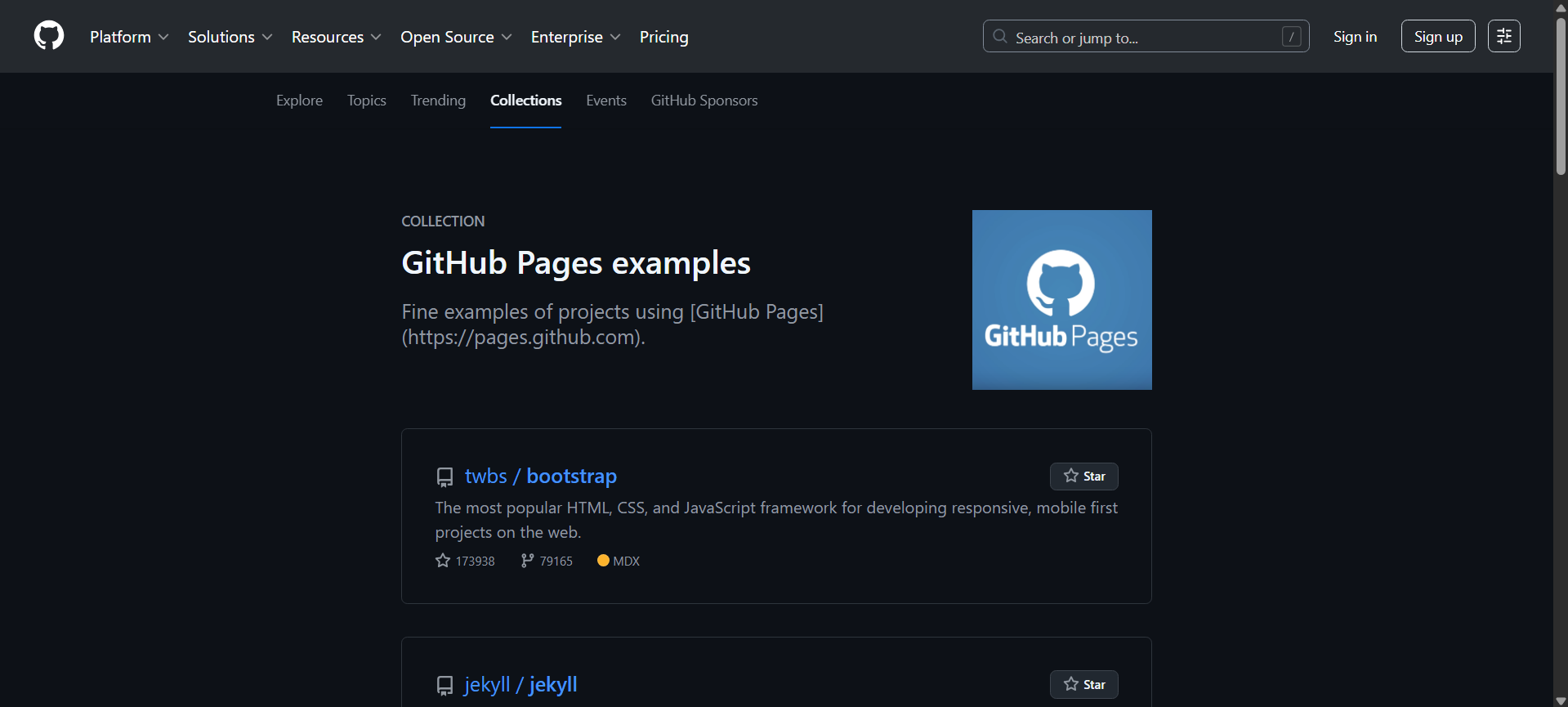
https://github.com/collections/github-pages-examples
https://github.com/actions/deploy-pages
https://docs.github.com/en/pages/configuring-a-custom-domain-for-your-github-pages-site
🌸 25% OFF All Reviewers on our International Women’s Month Sale! Save 10% OFF All Subscriptions Plans & 5% OFF Store Credits/Gift Cards!

Learn AWS with our PlayCloud Hands-On Labs

$2.99 AWS and Azure Exam Study Guide eBooks

New AWS Generative AI Developer Professional Course AIP-C01

Learn GCP By Doing! Try Our GCP PlayCloud

Learn Azure with our Azure PlayCloud

FREE AI and AWS Digital Courses

FREE AWS, Azure, GCP Practice Test Samplers


Subscribe to our YouTube Channel

Follow Us On Linkedin


Written by: Joshua Emmanuel Santiago




