
GitHub Sponsors Cheat Sheet
-
It is a built-in GitHub sponsorship program for funding open-source developers and organizations.
-
It enables the developer community to directly support project maintainers.
-
It supports both recurring subscriptions and one-time financial contributions.
-
It helps sustain open-source projects through community and corporate sponsorships.
-
It provides a monetization and support mechanism for the ongoing development and maintenance of open-source software.
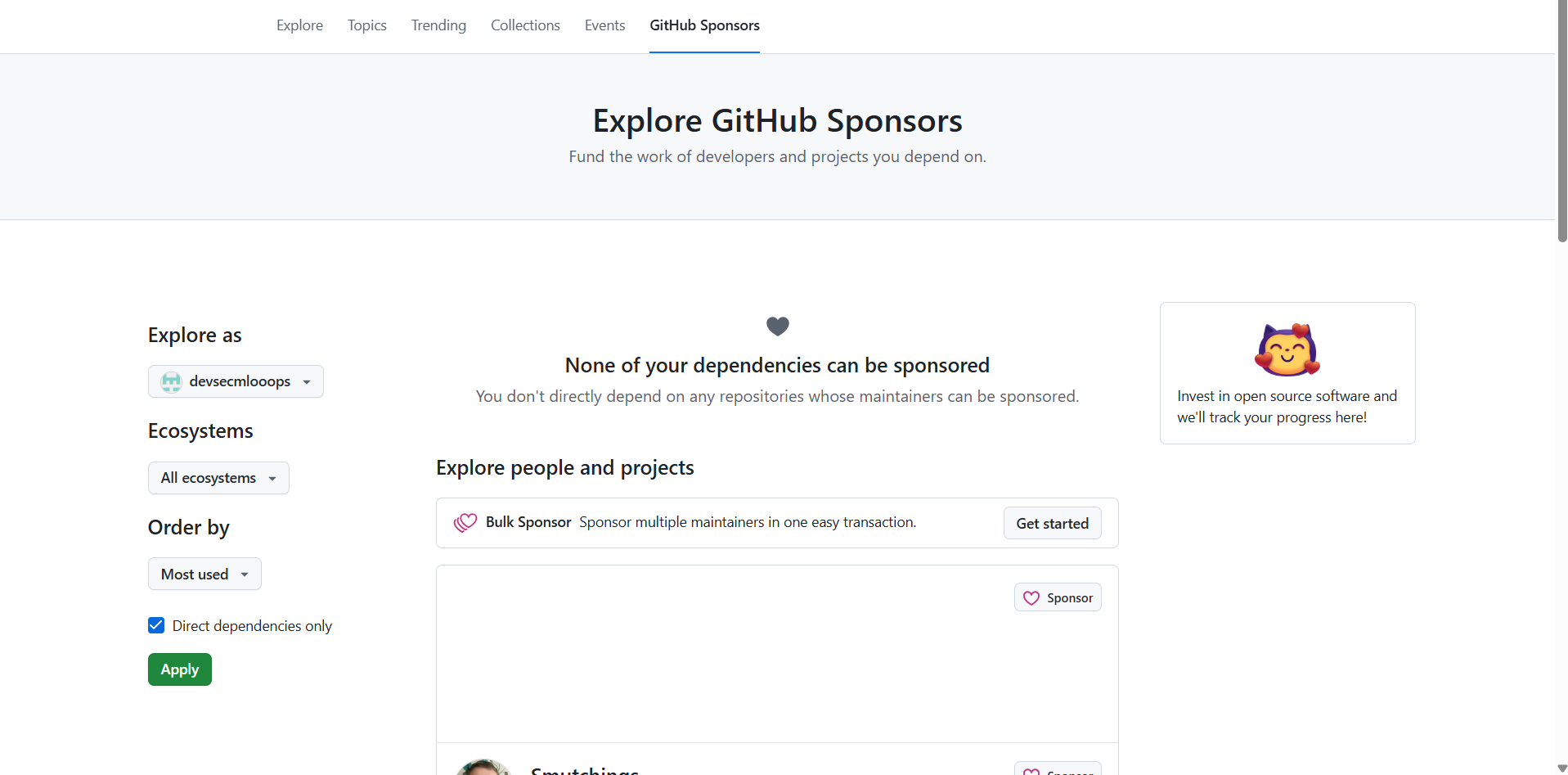
Who Can Use GitHub Sponsors?
Sponsors
-
Individuals
-
Organizations
-
Can sponsor:
-
Open-source contributors on GitHub
-
Contributors via Patreon (linked accounts)
-
Sponsored Accounts
-
Personal GitHub accounts
-
Organizations
-
Must meet eligibility requirements (e.g., open-source focus, supported country)
Key Benefits
For Sponsors
-
Centralized sponsorship management
-
Optional organization attribution
-
Transparent billing and invoices
-
Public or private sponsorships

For Maintainers
-
Predictable income via recurring sponsorships
-
Custom sponsorship tiers
-
Sponsor-only updates and benefits
-
GitHub profile visibility
Finding Contributors to Sponsor
-
Visit contributor profiles and check for the Sponsor button
-
Use GitHub’s Explore and repository contributor lists
-
View recommendations in the Sponsors dashboard
Sponsorship Types
Payment Models
-
Monthly recurring sponsorships
-
One-time sponsorships (if enabled by maintainer)
Visibility Options
-
Public: Sponsor name visible
-
Private: Sponsor remains anonymous
Fees, Taxes, and Payments
|
Category |
Details |
|
Fees |
|
|
Taxes |
|
|
Payment Methods |
|
Sponsoring via Patreon
-
GitHub Sponsors can be linked to Patreon
-
Sponsorships appear on GitHub, but payments are processed by Patreon
-
Patreon fees and policies apply
-
Patreon account can be unlinked at any time
Managing Sponsorships
Sponsors Can:
-
Upgrade or downgrade tiers
-
Cancel sponsorships
-
Switch between personal and organization attribution
-
View payment history and invoices
Maintainers Can:
-
Edit tiers and benefits
-
View active and past sponsors
-
Send sponsor-only updates
-
Pause or disable sponsorships
GitHub Sponsors Dashboard
The dashboard allows:
-
Tracking sponsorships and revenue
-
Viewing sponsor lists
-
Managing payouts
-
Exporting financial data
Organization Sponsorships
Attribution
- Sponsorships can be attributed to:
-
An individual
-
An organization (for compliance and reporting)
-
Billing
- Organizations can:
-
Pay by invoice
-
Centralize sponsorship spend
-
Assign billing managers
-
Setting Up GitHub Sponsors
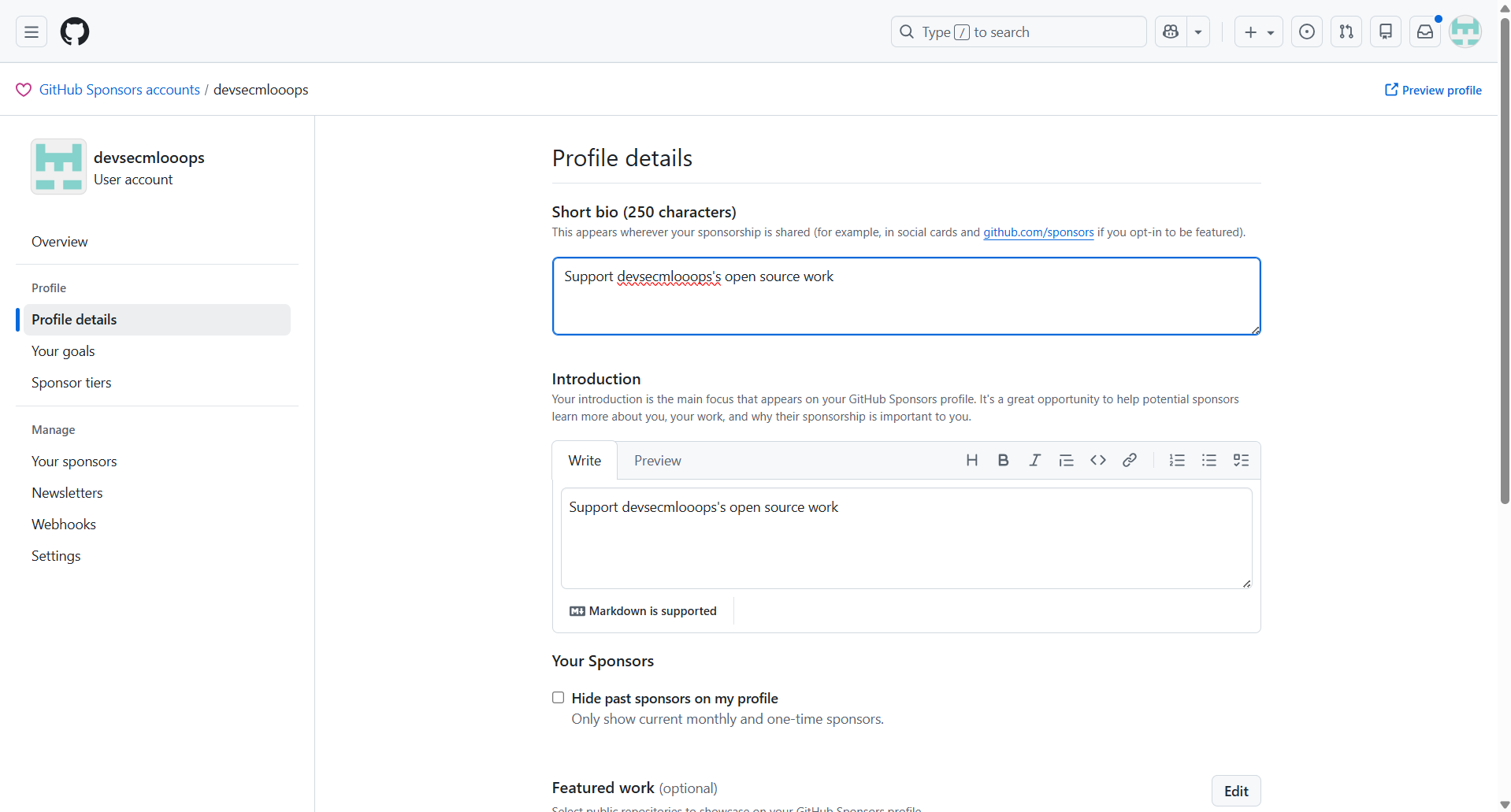
Personal Account
- Apply for GitHub Sponsors
- Complete identity and payout setup
- Create sponsorship tiers
- Publish sponsor profile
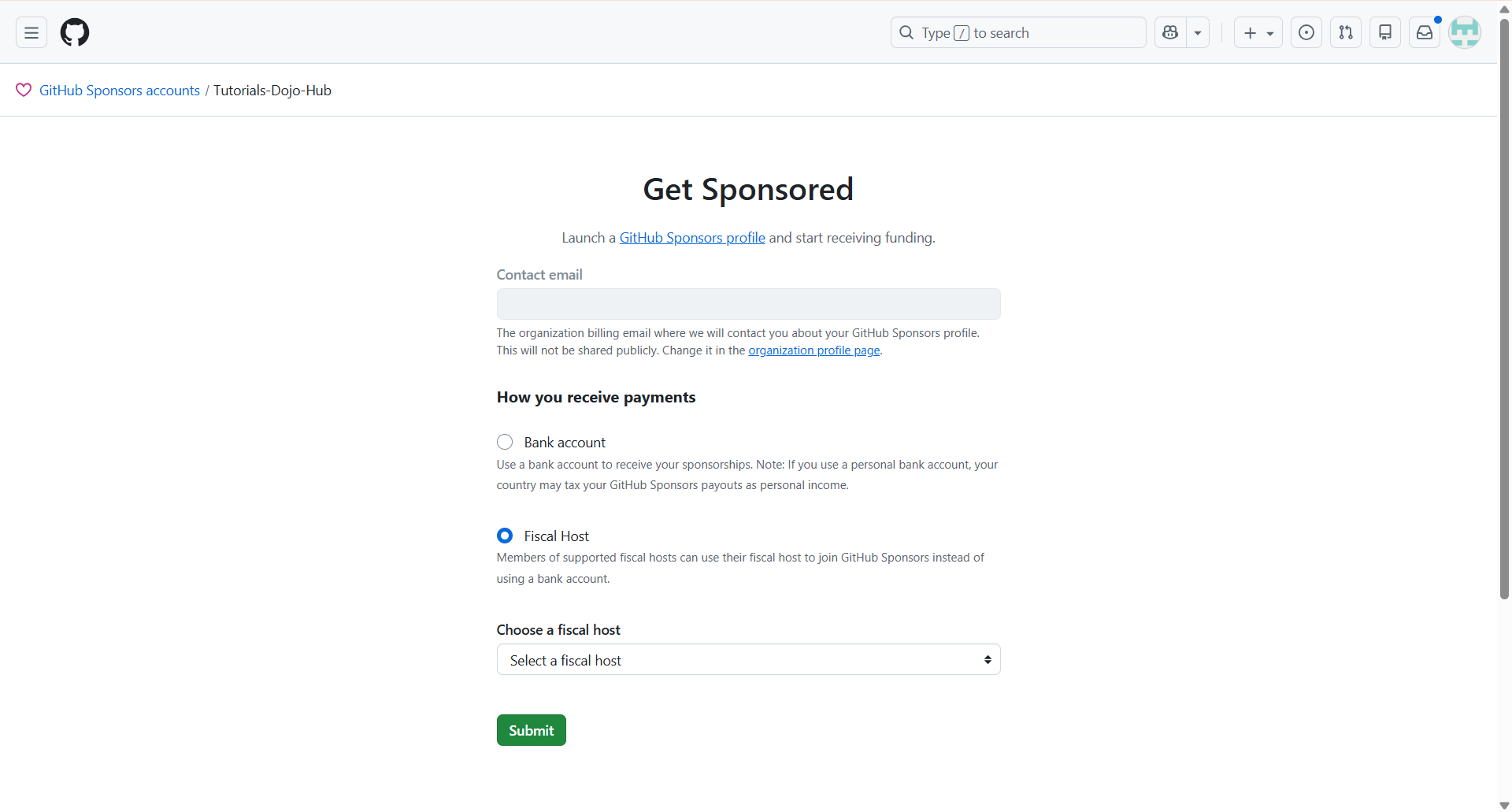
Organization Account
- Enable GitHub Sponsors for the org
- Assign admins
- Set payout and tax details
- Configure tiers and goals
Conclusion
References
https://docs.github.com/en/sponsors/getting-started-with-github-sponsors
https://docs.github.com/en/sponsors/sponsoring-open-source-contributors
https://docs.github.com/en/sponsors/receiving-sponsorships-through-github-sponsors/
🎭 GET 22% OFF our AWS Security Specialty and AZ-500 Azure Security Engineer Associate Practice Exams – Master Cloud Security Now!

Learn AWS with our PlayCloud Hands-On Labs

$2.99 AWS and Azure Exam Study Guide eBooks

New AWS Generative AI Developer Professional Course AIP-C01

Learn GCP By Doing! Try Our GCP PlayCloud

Learn Azure with our Azure PlayCloud

FREE AI and AWS Digital Courses

FREE AWS, Azure, GCP Practice Test Samplers


Subscribe to our YouTube Channel

Follow Us On Linkedin


Written by: Ace Kenneth Batacandulo




