

Ends in
00
days
00
hrs
00
mins
00
secs
ENROLL NOW

📚 eBook Sale - grab eBooks as LOW as $2.99 USD each ONLY!

container

Home » container

GitHub Container Registry

2026-02-02T11:34:17+00:00

Bookmarks Features Setup & Authentication Naming Convention Permissions & Security Common Use Cases GHCR vs Docker Hub GitHub Container Registry Cheat Sheet Store, manage, and distribute Docker & OCI container images. Seamlessly works with GitHub repositories, GitHub Actions, and fine-grained access controls. Supported Formats: Docker Image Manifest V2, Schema 2 Open Container Initiative (OCI) specifications Features You can host and manage container images directly in GitHub. Access can be controlled either by linking to repository permissions or by defining granular package-level permissions. Authentication can be performed using either GITHUB_TOKEN (for workflows [...]
GitHub Container Registry2026-02-02T11:34:17+00:00

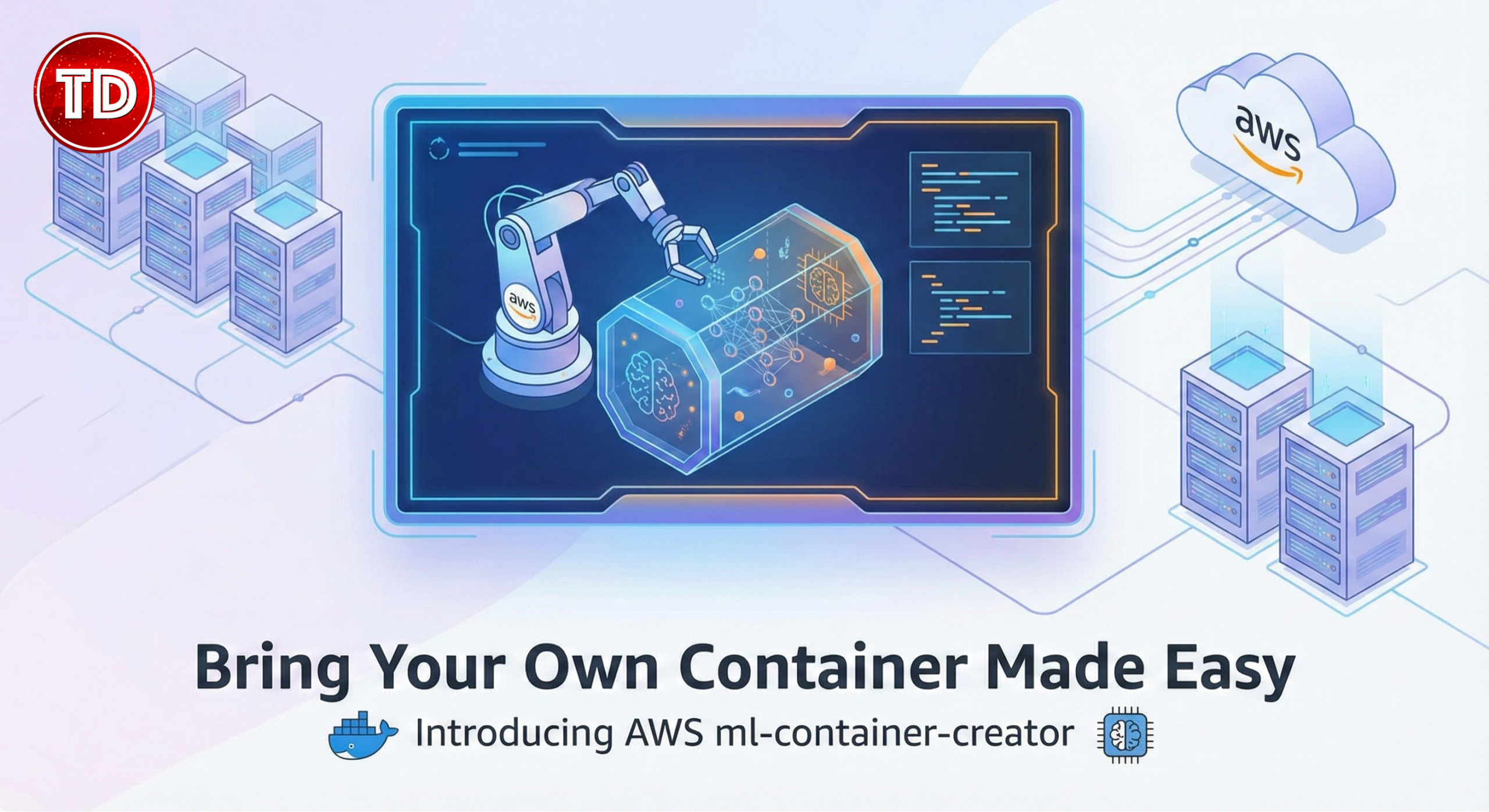
Bring Your Own Container Made Easy: Introducing AWS ml-container-creator

2026-01-27T18:51:07+00:00

If you’ve ever struggled to package your ML model in a custom Docker image for SageMaker, the new ml-container-creator tool is here to help. This friendly open-source wizard guides you through building a SageMaker-compatible container without all the usual Docker headaches. It’s like having an assistant that writes your Dockerfile, server code, and config files for you, so you can focus on your model. What is BYOC on SageMaker? BYOC stands for Bring Your Own Container. In SageMaker, BYOC means you supply your own Docker image with everything needed to serve your ML model (the code, libraries, dependencies, etc.). AWS [...]

Bring Your Own Container Made Easy: Introducing AWS ml-container-creator2026-01-27T18:51:07+00:00

Build a Web-Based Linux Terminal Playground

2024-12-09T04:51:18+00:00

In this blog, I will guide you through creating a Simple Web-Based Linux Terminal Playground that enables running Linux commands directly in the browser. We will use technologies such as Podman for containerization, React for the UI, and Express and node-pty for the backend. WebSockets will handle real-time communication between the frontend and backend, creating a seamless, secure, and interactive environment to learn and execute Linux commands. Each connection will be isolated and ephemeral therefore ensuring security and separation between users. Why Use Podman, React, Express, node-pty, WebSockets, and Alpine? Why Podman? Podman is an open-source container engine that focuses [...]

Build a Web-Based Linux Terminal Playground2024-12-09T04:51:18+00:00

AWS, Azure, and GCP Certifications are consistently among the top-paying IT certifications in the world, considering that most companies have now shifted to the cloud. Upskill and earn over $150,000 per year with an AWS, Azure, or GCP certification!

Follow us on LinkedIn, Facebook, or join our Slack study group. More importantly, answer as many practice exams as you can to help increase your chances of passing your certification exams on your first try!