
Many AWS-certified professionals face the same challenge every few years: preparing for another certification exam while balancing work, projects, and personal commitments. While certifications remain a valuable way to validate cloud expertise, the traditional recertification process can be time-consuming and stressful.
To address this, AWS has introduced a new certification maintenance option that allows eligible professionals to extend select AWS Certifications without retaking the full exam. Through AWS Skill Builder, certification holders can complete curated training courses and hands-on labs that focus on current AWS technologies and real-world scenarios.
This new approach emphasizes continuous learning and practical experience, helping cloud professionals stay up to date with evolving AWS services while maintaining their certifications. Instead of preparing for another high-stakes exam, professionals can now demonstrate their commitment to learning through training and hands-on activities that reflect modern cloud environments.
In this article, we’ll explore how the AWS Certification Maintenance Program works, who is eligible, and what this new recertification pathway means for AWS professionals.
What Is the AWS Certification Maintenance Program?
The AWS Certification Maintenance Program is a new option that enables eligible AWS Certification holders to maintain their credentials through structured learning rather than retaking a certification exam.
Traditionally, AWS-certified professionals had to retake the same certification exam or earn a higher-level certification before their credential expired. While those options remain available, AWS now offers an alternative path that focuses on continuous learning and practical skill development.
Through AWS Skill Builder, participants complete curated learning content and hands-on activities to stay current with AWS services, best practices, and emerging cloud technologies.
Upon successful completion of all maintenance requirements, the certification is automatically extended for an additional year.
Who Is Eligible?
-
Your AWS Certification must be within 90 days of its expiration date.
-
You must have an active AWS Skill Builder subscription (Individual or Team)
-
Your certification must be one of the currently supported certifications.
-
You must complete the required learning activities before the certification expires.
How AWS Certification Maintenance Works
The maintenance process is designed to be flexible, self-paced, and focused on real-world learning.

Step 1: Select Your Certification
Once eligible, log in to AWS Skill Builder and navigate to the Recertify section. From there, choose the certification you want to maintain.
AWS will provide a personalized learning pathway based on the certification you selected.
Step 2: Complete Curated Learning Content
Each certification pathway includes carefully selected training content that covers important updates and evolving technologies within the certification domain.
The learning materials may include:
- Digital training courses
- Interactive learning modules
- Hands-on labs
- Practical cloud scenarios
- Skill validation activities
Rather than reviewing old exam topics, the content focuses on helping professionals build relevant, up-to-date cloud skills.
Step 3: Earn the Required Learning Points
Participants must accumulate a specific number of points by completing approved learning activities.
Current requirements include:
| Certification Level | Required Points | Required Practical Activities |
| Associate | 500 Points | At least 1 |
| Professional | 700 Points | At least 2 |
Step 4: Automatically Extend Your Certification
After completing all requirements, AWS automatically updates your certification status and extends the certification validity period by one year.
There is no need to schedule an exam, visit a testing center, or pay for a separate recertification exam.
The updated expiration date will be reflected in your AWS Certification account.
Why This New Approach Matters
Continuous Learning Instead of Periodic Exam Preparation
Greater Flexibility for Working Professionals
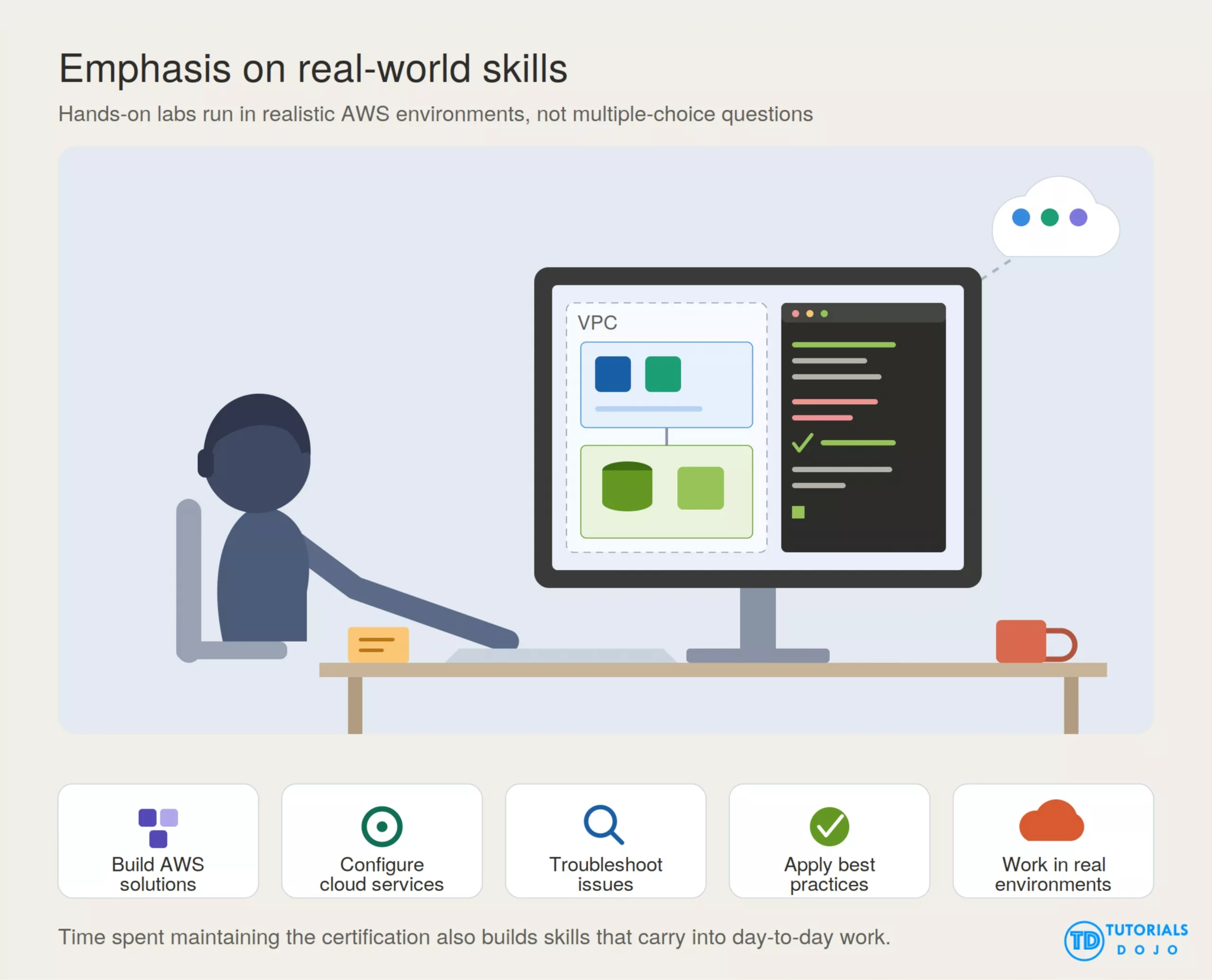
Emphasis on Real-World Skills
-
Building AWS solutions
-
Configuring cloud services
-
Troubleshooting issues
-
Implementing best practices
-
Working in realistic AWS environments
How AWS Automatically Extends Related Certifications
One of the most valuable benefits of the AWS Certification Maintenance Program is the cascading certification extension feature.
When you maintain an eligible higher-level AWS Certification, AWS can automatically extend the expiration dates of related lower-level certifications that are still active. This means you may be able to keep multiple certifications current through a single maintenance activity.
For example, if you maintain your AWS Certified Solutions Architect – Professional certification, AWS may automatically extend your AWS Certified Solutions Architect – Associate certification to the same expiration date, provided the Associate certification remains active and meets the eligibility requirements.
This feature simplifies certification management, reduces the effort required to maintain multiple credentials, and helps professionals preserve the value of their AWS Certification portfolio while focusing on continuous learning and skill development.
Can You Still Recertify Through an Exam?
Absolutely.
AWS is not replacing exam-based recertification. Instead, it is providing an additional pathway.
Professionals can still choose to:
-
Retake their current certification exam.
-
Earn a higher-level AWS Certification.
-
Use other AWS-approved recertification options where applicable.

The maintenance program simply offers a more flexible alternative for those who prefer continuous learning and practical skill development.
Learn More
If you want to go deeper on AWS, Tutorials Dojo publishes reviewers and study resources for AWS, Azure, and GCP certifications. Their full catalog of learning materials is available through the Tutorials Dojo Portal.
How to Get Started
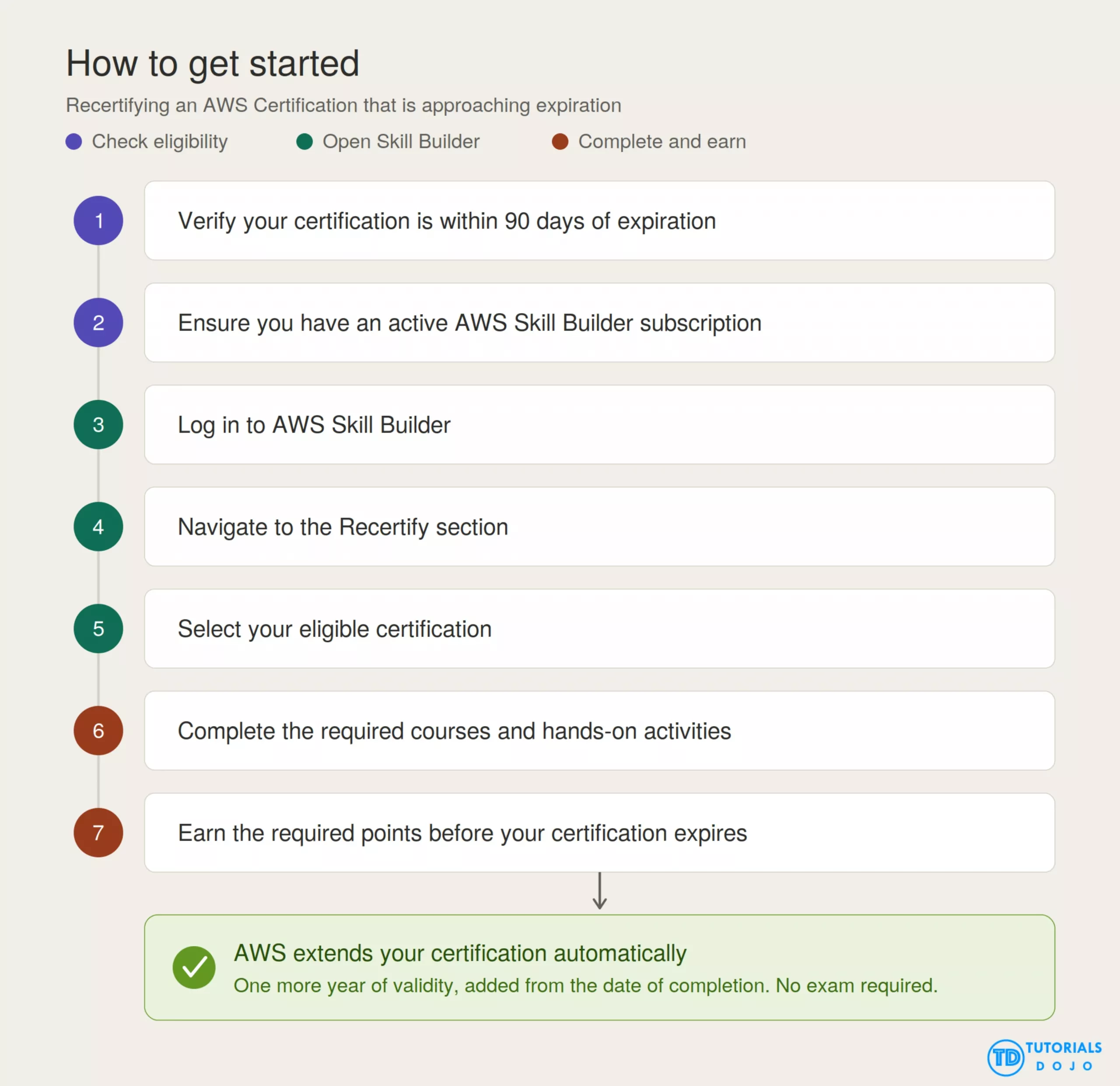
If your AWS Certification is approaching expiration, getting started is simple:
-
Verify that your certification is within 90 days of its expiration date.
-
Ensure you have an active AWS Skill Builder subscription.
-
Log in to AWS Skill Builder.
-
Navigate to the Recertify section.
-
Select your eligible certification.
-
Complete the required courses and hands-on activities.
-
Earn the required points before your certification expires.
Once completed, AWS will automatically extend your certification for another year.
Conclusion:
References:
⏳ Get 30% OFF on Microsoft Azure and GitHub Reviewers this Black Friday Sale!

Turn Your Team Into Cloud-Ready Professionals Today

Learn AWS with our PlayCloud Hands-On Labs

$2.99 AWS and Azure Exam Study Guide eBooks

Learn GCP By Doing! Try Our GCP PlayCloud

Learn Azure with our Azure PlayCloud
FREE AI and AWS Digital Courses

FREE AWS, Azure, GCP Practice Test Samplers

Subscribe to our YouTube Channel

Follow Us On Linkedin


Written by: Ace Kenneth Batacandulo